Guide Overview
1. Designing Viral Backgrounds for YouTube
On YouTube, your thumbnail is the first impression. The right youtube thumbnail background prompt helps stop viewers mid-scroll. With AI tools like Midjourney or ChatGPT, you can create detailed backgrounds for youtube thumbnails prompt results with dramatic lighting, colorful gradients and big landscapes, without hours in Photoshop.
Our templates let you focus on the story. From a glowing neon city to a realistic disaster scene, they build a strong background so your subject stands out in the foreground.
1. Giant Subject Layout
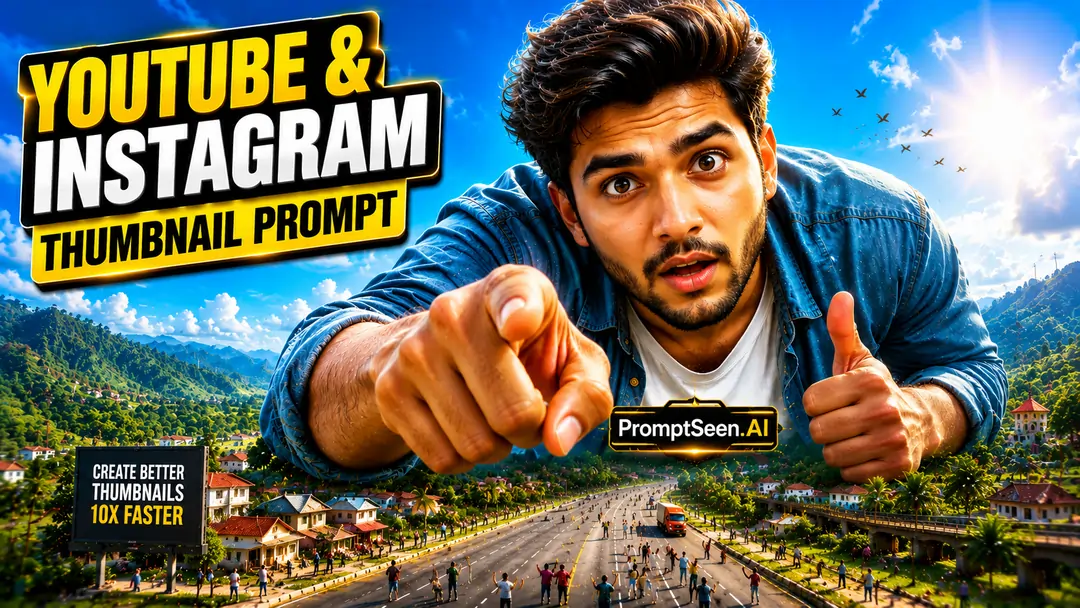
Create a 16:9 YouTube & Instagram thumbnail inspired by high-energy viral creator thumbnails. Subject: [SUBJECT] Title: "[TITLE]" Make the subject enormous, occupying nearly 80% of the frame, towering over the environment. Surround it with tiny background elements to emphasize scale. Use bright blue sky, vibrant green landscape, cinematic sunlight, dramatic shadows, colorful gradients, crisp HDR colors, exaggerated perspective, premium Photoshop editing, ultra-sharp details, and explosive visual impact. Place the title in one corner using bold white text with a thick black outline and subtle yellow accent. Clean composition, maximum CTR.
PromptBhai के साथ जुड़ें
रोज़ नए वायरल AI प्रॉम्प्ट, सबसे पहले आपके पास
2. The Secret to a MrBeast Style Thumbnail Prompt
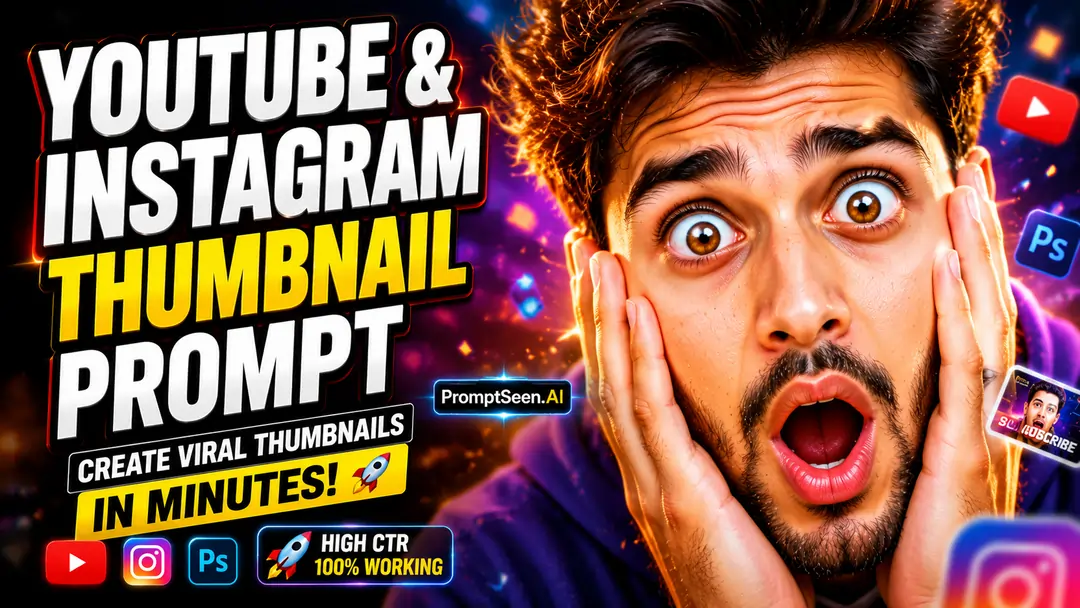
What makes a thumbnail go viral? Top creators use exaggerated expressions, extreme size comparisons and very high stakes. A mrbeast thumbnail prompt tells the AI to focus on exactly these elements.
With a mrbeast style thumbnail prompt, the subject fills about 80% of the frame, with big expressive eyes, strong catchlights and bright colors. This grabs attention and helps your Click-Through Rate (CTR).
2. Crazy Reaction Layout
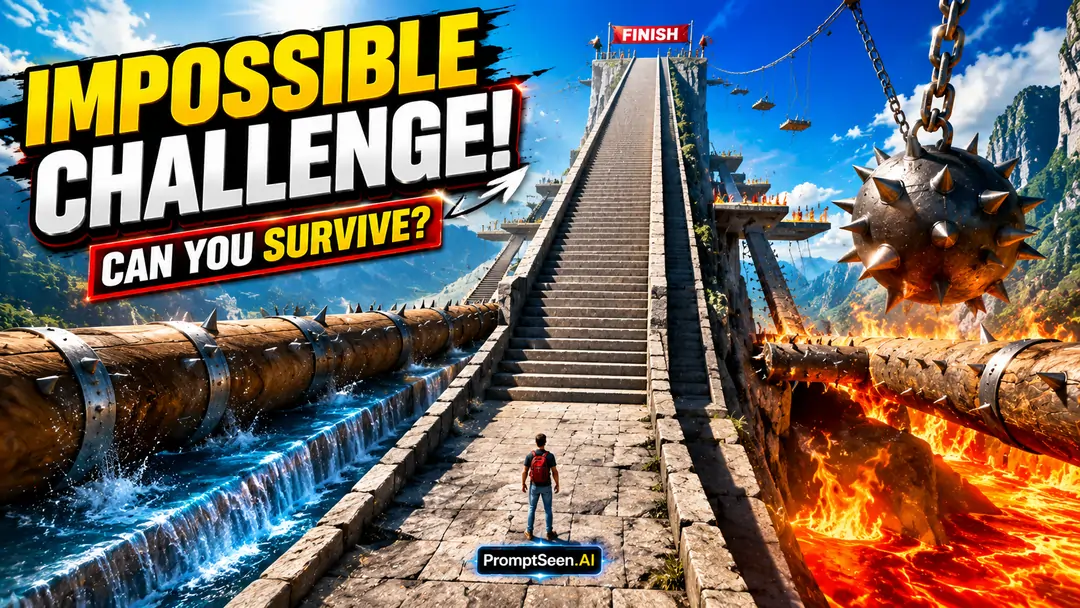
3. Impossible Challenge Layout
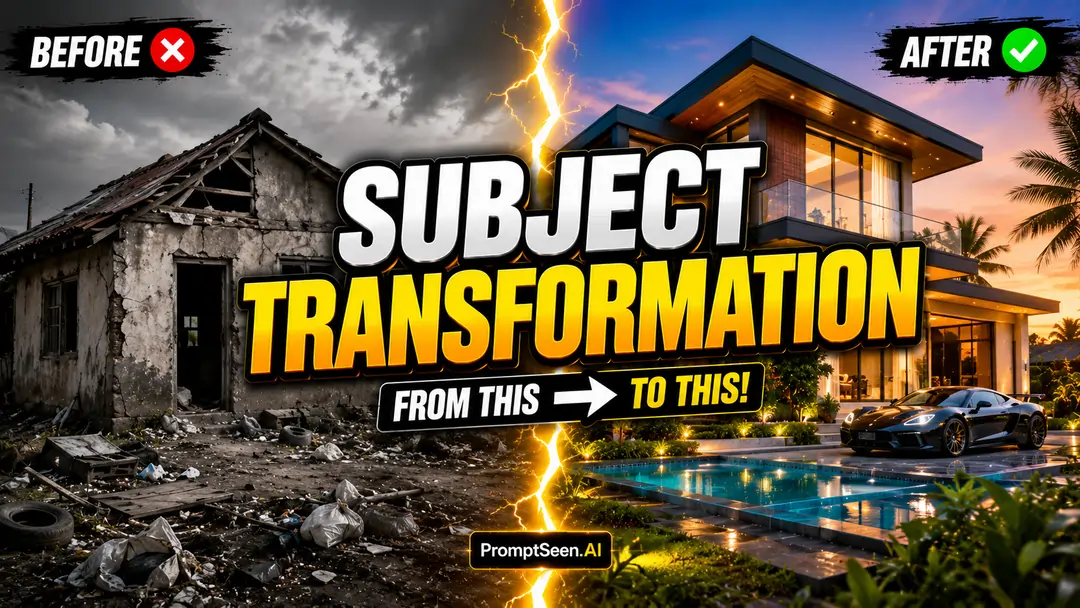
4. Before vs After Layout
3. Creating a Cinematic Click Worthy Thumbnail
Sometimes bright and loud is not enough; you need mystery and depth. A cinematic thumbnail prompt gives your channel a blockbuster look. Keywords like "volumetric lighting," "shallow depth of field" and "HDR editing" help your ai thumbnail prompt create rich, immersive scenes.
This style works best as a click worthy thumbnail prompt for storytelling, documentaries and video essays, because it makes your content look premium and worth watching.
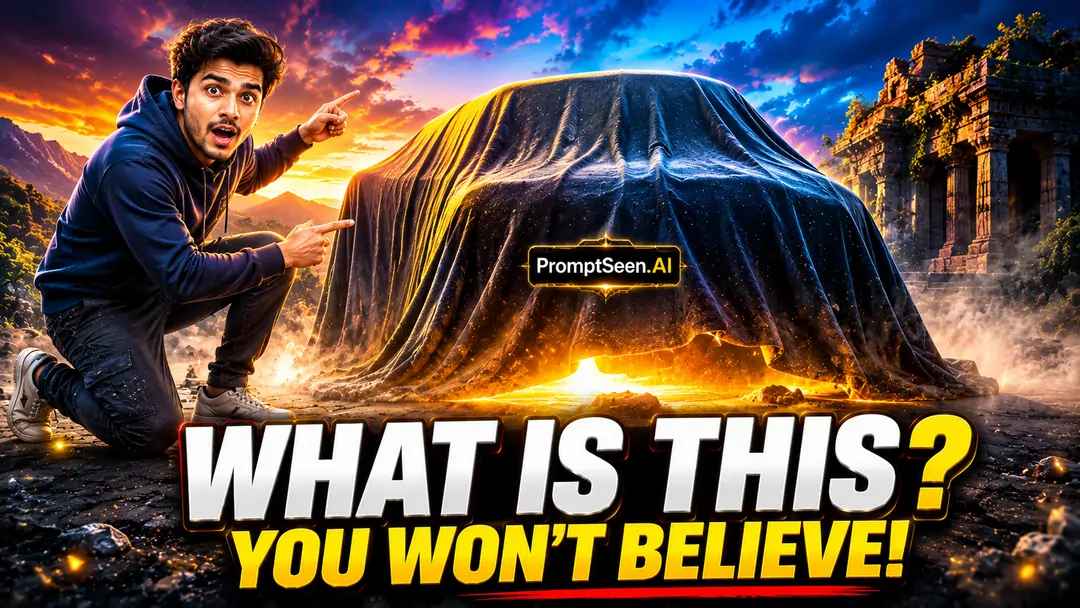
5. Mystery Object Layout
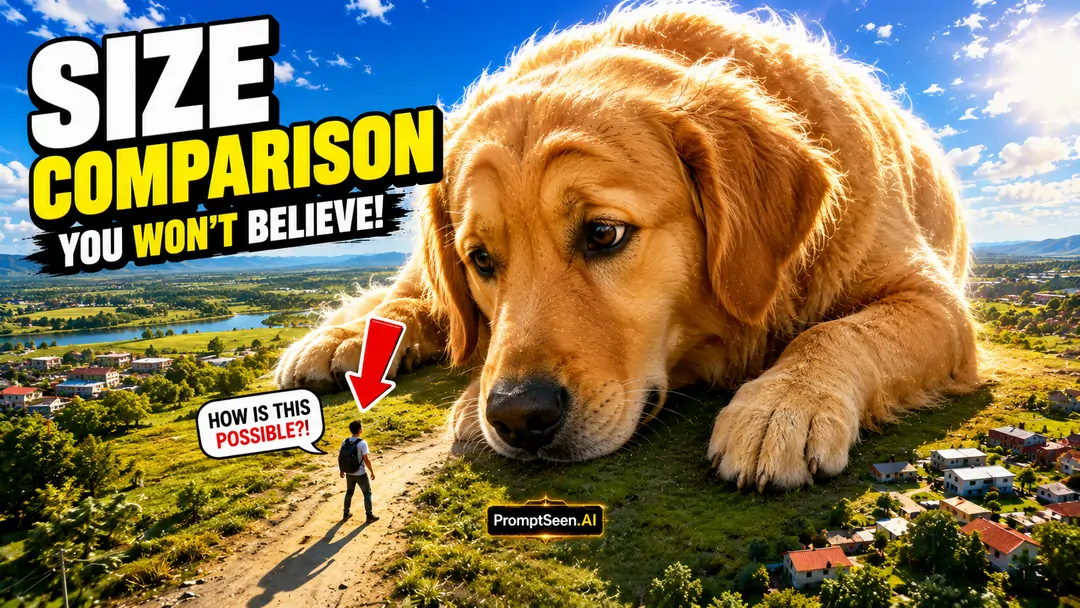
6. Extreme Scale Layout
4. Adapting for Instagram Prompts
The same ideas work for short videos too. Our youtube thumbnail prompts can quickly become instagram thumbnail prompts for Reels: just change the aspect ratio from 16:9 to 9:16, and the AI will fit the big reactions and giant subjects to a mobile screen.
7. Countdown Layout
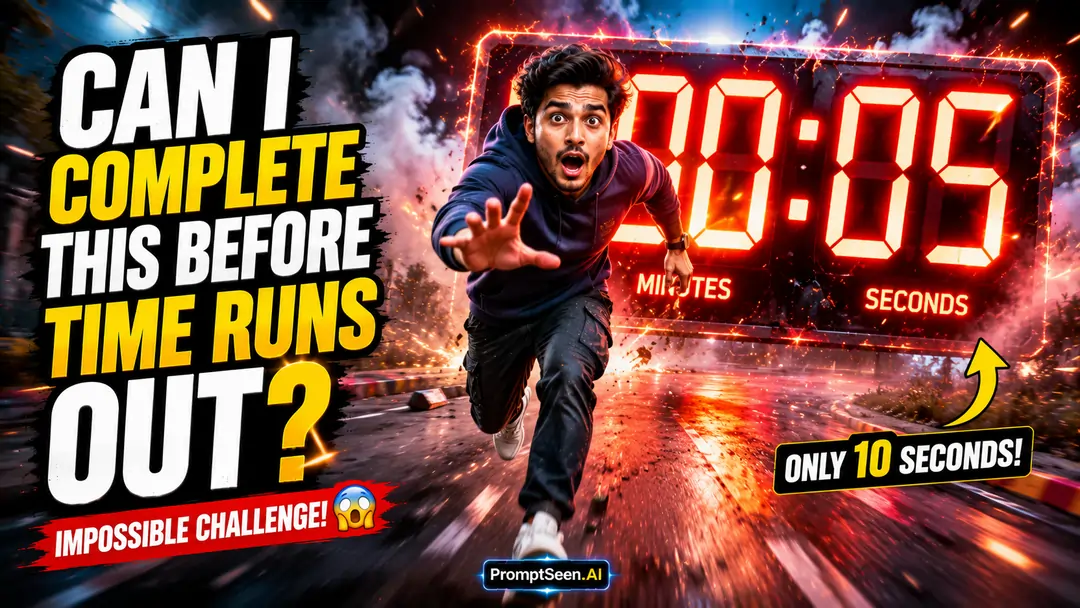
8. Hidden Secret Layout
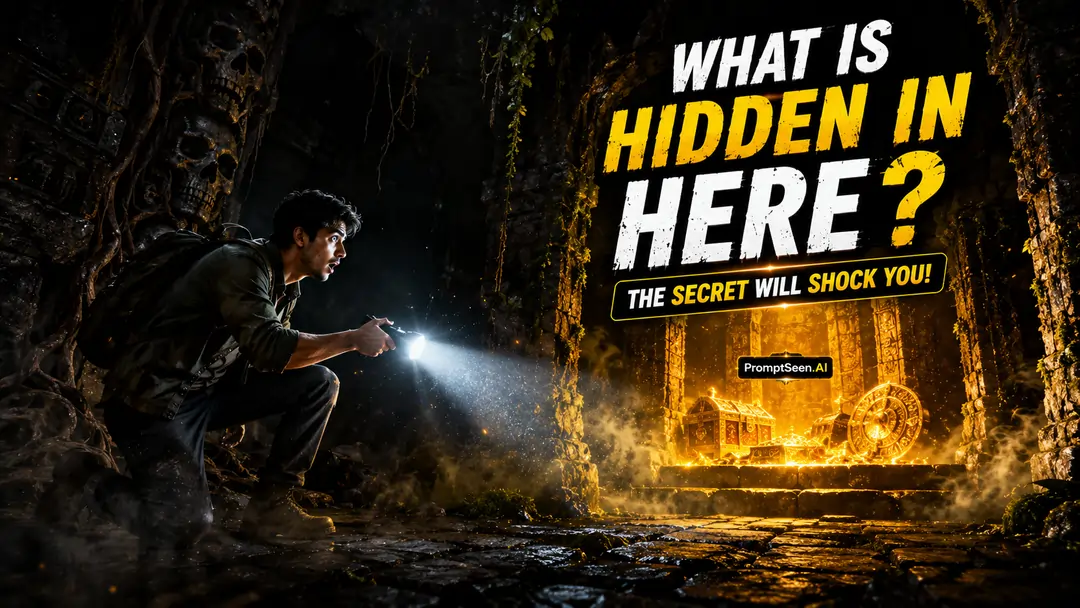
5. Copy Paste Thumbnail Prompt Collection
Below is our full library of viral thumbnail prompt templates. Copy a style, replace [SUBJECT] and [TITLE] with your video details, and let the AI create a highly clickable thumbnail.
9. Split Emotion Layout
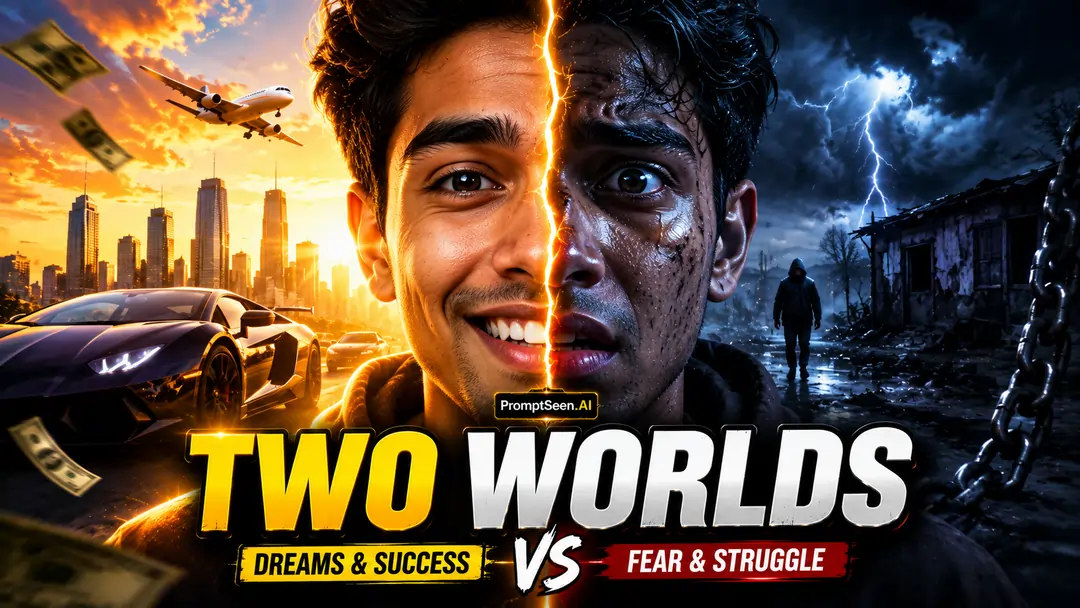
10. Epic Adventure Layout
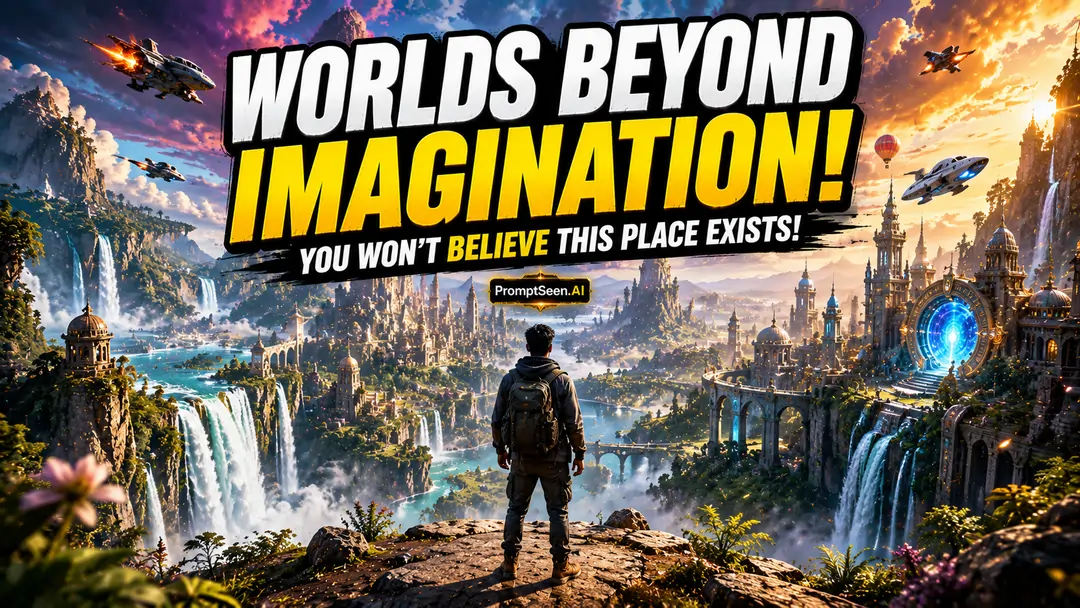
ध्यान दें: शानदार फोटो बनाने के लिए ज़रूरी टिप्स
हेलो दोस्तों! अगर आप हमारे इस वायरल Thumbnail Prompt से अपनी शानदार पिक्चर बनाना चाहते हैं, तो कुछ खास बातों का ध्यान रखें:
- Universal Prompts: चूँकि फोटो आपकी होगी और आपको सिर्फ स्टाइल बदलना है, इसलिए आप नीचे दिए गए इन एडिटिंग प्रॉम्प्ट्स को किसी भी AI Image Editor (जैसे ChatGPT, Gemini, Midjourney Edit, Flux Kontext, Seedream आदि) में आसानी से इस्तेमाल कर सकते हैं।
- Photo Size Customization: आप अपनी फोटो को किसी भी रिज़ॉल्यूशन में बना सकते हैं। अपनी ज़रूरत के हिसाब से बस Prompt के लास्ट में ये कमांड्स जोड़ दें:
- Mobile Size (Vertical): Prompt के लास्ट में
aspect-ratio: 9:16या "Picture in Vertical" लिखें। - Wide / LCD TV Size (Horizontal): Prompt के लास्ट में
aspect-ratio: 16:9या "Picture in Horizontal" लिखें। - Instagram Size: Prompt के लास्ट में
aspect-ratio: 4/5लिखें। -
अगर आप अपना चेहरा भी ऐड करना चाहते हे तो Prompt के लास्ट में लिखें:
Use the uploaded person's photo as the reference. Preserve the person's real face, facial features, skin tone, hairstyle, facial expression, body proportions, and identity exactly. Do not change, beautify, replace, or stylize the face. Keep the person fully recognizable while applying only the requested outfit, pose, lighting, and background.
- Mobile Size (Vertical): Prompt के लास्ट में
विस्तृत जानकारी: प्रॉम्प्ट्स का सही और सटीक इस्तेमाल कैसे करना है, इसे स्टेप-बाय-स्टेप सीखने के लिए हमारी यह खास गाइड ज़रूर पढ़ें: How to Use AI Photo Prompt
6. Frequently Asked Questions (FAQ)
How do I use a youtube thumbnail background prompt?
Simply copy the text from our library, paste it into an AI tool like Midjourney, ChatGPT, or Gemini, and replace the [SUBJECT] and [TITLE] brackets with your specific video details.
What makes a mrbeast style thumbnail prompt different?
A mrbeast thumbnail prompt focuses on hyper-exaggerated expressions, high contrast, vibrant colors, clear foreground-background separation, and minimal but massive text to maximize Click-Through Rate (CTR).
Can these be used as instagram thumbnail prompts?
Yes! While designed for 16:9 YouTube layouts, you can easily adapt these for Instagram Reels covers by changing the aspect ratio command to 9:16 or 4:5 at the end of the prompt.
Which AI is best for a cinematic thumbnail prompt?
Midjourney v6 is currently the best for highly realistic, cinematic thumbnail prompts. However, ChatGPT (DALL-E 3) is excellent at generating accurate, bold text if your thumbnail requires words.
How do I make my AI thumbnail prompt click worthy?
A click worthy thumbnail prompt always includes emotional triggers. Use words like 'exaggerated surprise', 'dramatic lighting', and 'impossible challenge' to create curiosity and visual impact.
Can I edit my own face into a viral thumbnail prompt?
Absolutely. You can use Face-Swap AI tools or image-to-image features in Midjourney/Stable Diffusion. Just upload your expressive face as a reference image alongside the prompt.