1. Malli Gopuram Invite
A classic and deeply traditional design. This engagement invitation card ai prompt frames the couple with carved temple pillars and a majestic Gopuram arch, all tied together with beautiful white jasmine (malli poo) garlands.
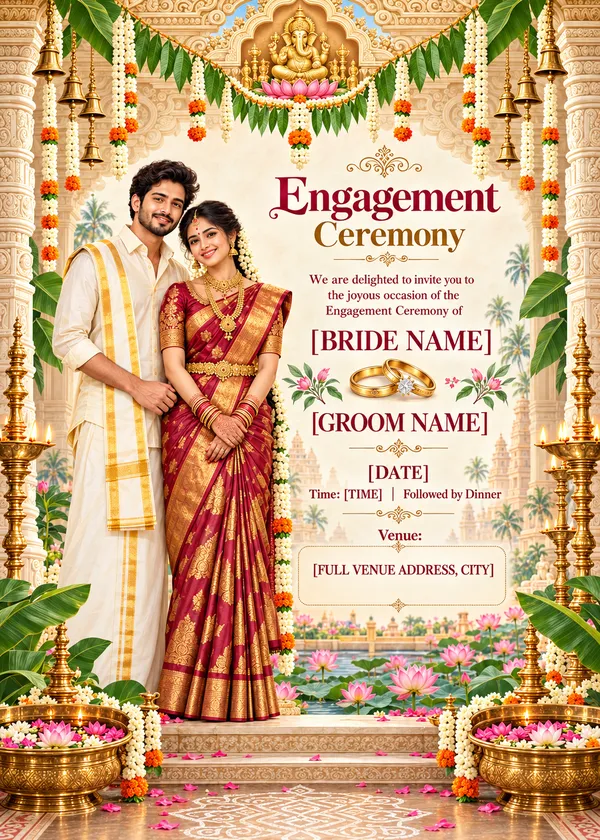
A vertical 5:7 South Indian engagement ceremony invitation card, soft watercolor digital illustration style, elegant and premium. Top: a carved ivory-and-gold temple gopuram-style arch with a small golden Ganesha / lotus emblem at the center, hanging strings of fresh white jasmine (malli poo) garlands with orange marigold accents, small brass temple bells, and a mango-leaf thoranam across the top edge. Center: an illustrated South Indian bride and groom standing close together — bride in a rich maroon-and-gold Kanchipuram silk saree with temple jewellery, jasmine in her braid, and a small bindi; groom in a cream silk shirt and gold-bordered veshti with an angavastram. Soft pink lotus flowers and green leaves cluster at their feet. Text area on a warm cream textured background, in maroon and gold serif typography: "Engagement Ceremony" "We are delighted to invite you to the joyous occasion of the Engagement Ceremony of" "[BRIDE NAME]" a pair of gold engagement rings with a small diamond "[GROOM NAME]" "[DATE]" "Time: [TIME] | Followed by Dinner" "Venue: [FULL VENUE ADDRESS, CITY]" Leave a wide, spacious text block for the venue at the bottom of the text area, wide enough to fit a long address on 2 to 3 lines in a clear, readable size without crowding or overlapping the flowers below. Sides: tall carved ivory temple pillars, brass kuthu vilakku oil lamps glowing softly. Bottom: a pond of pink lotuses with green lotus leaves, banana leaves on the corners, two brass urulis filled with floating flowers and petals, a delicate white kolam pattern along the bottom border. Color palette: cream, ivory, maroon, temple gold, lotus pink, leaf green. Warm, auspicious, traditional yet modern, clean layout, high detail, sharp readable text, no spelling mistakes.
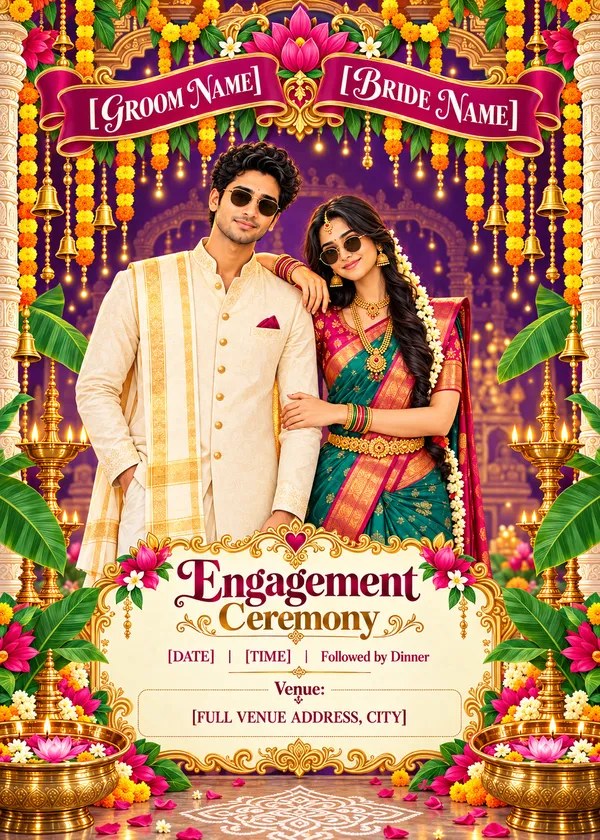
2. Marigold Night (गहरा बैंगनी, गेंदा)
For a bold, modern festive look. This engagement invitation prompt uses a rich royal purple background illuminated by fairy lights, making the bright orange marigolds and your customizable text pop brilliantly.
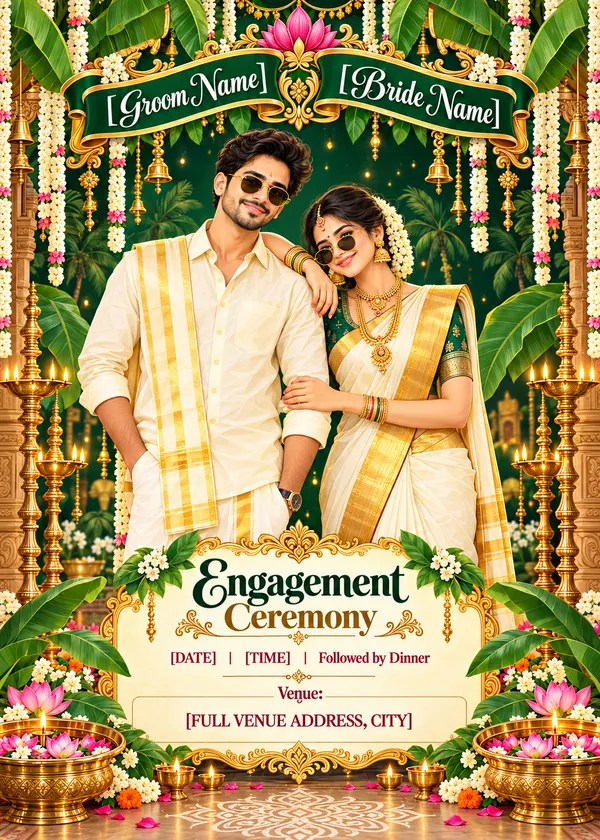
3. Kerala Kasavu Pop
Celebrate the beauty of God's Own Country! This fun, vector-style engagement invitation card prompt for gemini features a couple wearing traditional off-white Kasavu outfits against a lush emerald green background.
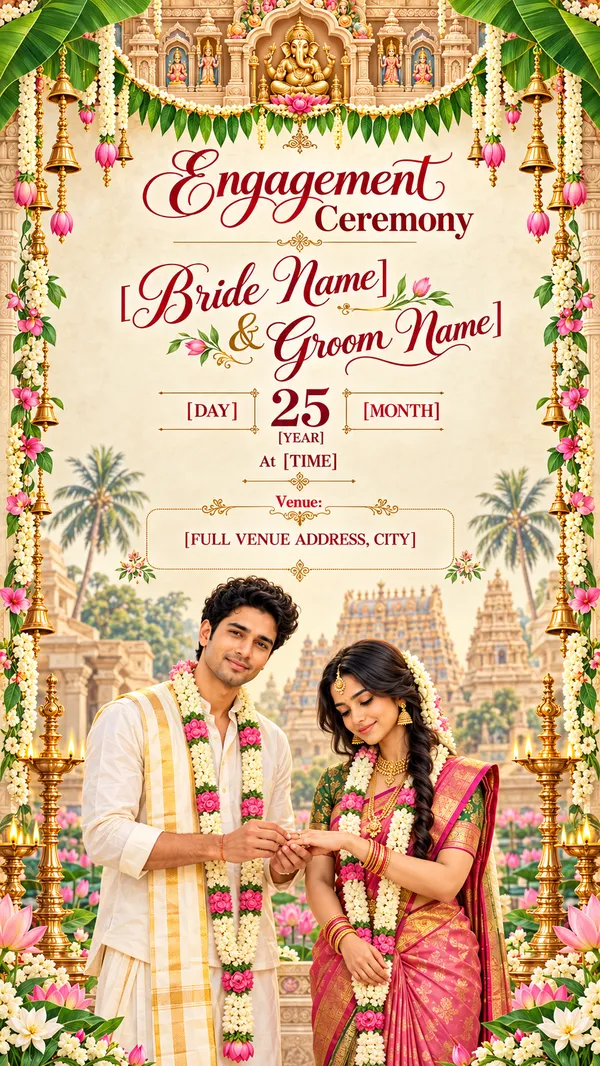
4. Temple Malli Ring
If you prefer a more formal, elegant layout, use this engagement invitation card prompt for chatgpt. It offers plenty of clean, open cream space for your engagement invitation message above a beautiful ring exchange scene.
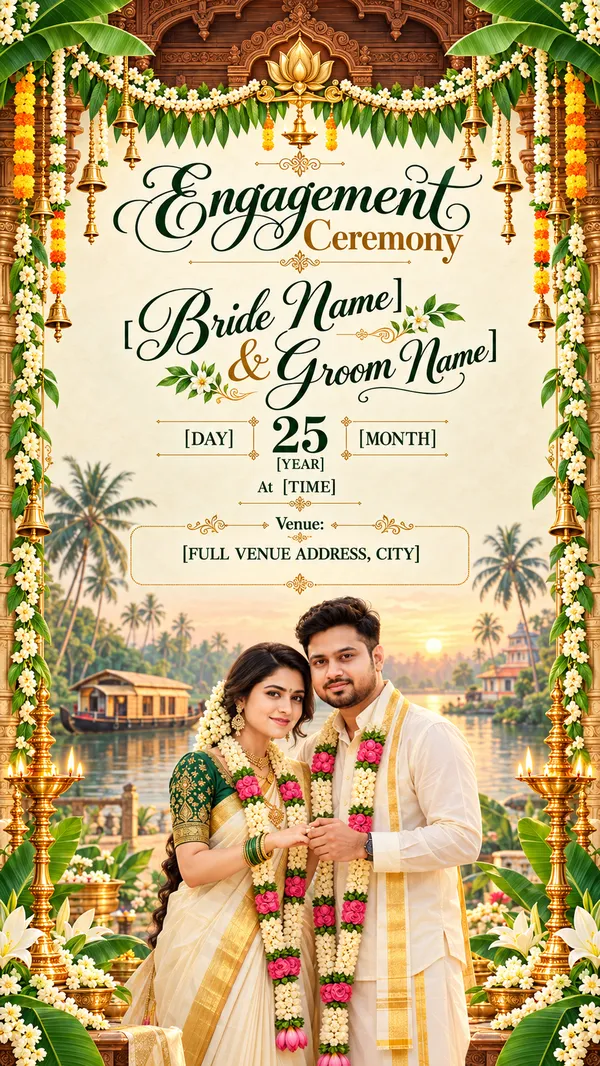
5. Kerala Backwater Ring
Capture the serene essence of Kerala's landscapes. This prompt for engagement invitation card sets the couple exchanging rings against a soft, misty sunrise over the famous backwaters and houseboats.
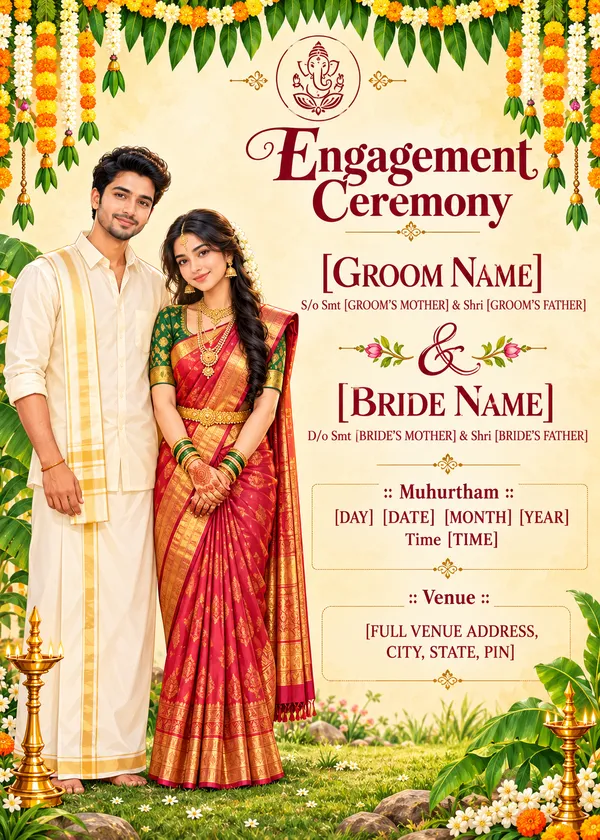
6. Village Green Muhurtham
If you prefer a clean, minimal aesthetic, this engagement invitation card chat gpt prompt is ideal. The soft watercolor background and simple flat illustration style leave maximum room for your detailed Muhurtham text.
If you want to match faces from your own photos, upload the photos and add this line at the beginning of any prompt:
Use the uploaded photo as reference: keep exactly the same number of people as in the photo, and make the illustrated characters clearly resemble their real faces, hairstyles and skin tones
Prompt Bhai के साथ जुड़ें
रोज़ नए वायरल AI प्रॉम्प्ट, सबसे पहले आपके पास
7. Introduction – South Indian Engagement Invitation Prompts
An engagement invitation card is the very first glimpse your guests get into your upcoming celebration. For a South Indian engagement, the details matter immensely—from the fragrant jasmine (malli) and glowing brass lamps (nilavilakku) to the rich Kanchipuram silks and Kasavu borders. Capturing this specific cultural elegance traditionally required hiring an expensive designer and going through endless revisions.
Not anymore! With generative AI tools like Google Gemini and ChatGPT, you can create a highly customized engagement invitation template in seconds. By using our meticulously engineered engagement card prompt collection, you can generate stunning, high-resolution artwork that already includes your names, the date, and the venue perfectly integrated into the design.
South Indian engagement cards almost always carry a deity motif at the top — Ganesha, Lakshmi or a temple gopuram. If you want that artwork on its own, our religion prompt collection has copy-paste templates for divine and temple-style images.
8. How to Create South Indian Engagement Invitation Cards with Gemini & ChatGPT
Creating your digital invitation is completely free and requires zero graphic design skills. Just follow these steps:
- Choose Your Style: Browse the 6 templates above. Decide whether you want a formal "Temple Malli Ring" style or a fun, cartoonish "Kerala Kasavu Pop" style.
- Copy the Text: Click the "Copy" button on your chosen engagement invitation ai prompt.
- Edit Your Details: Open a text editor (like Notes) and paste the prompt. Replace the bracketed text (e.g., [BRIDE NAME], [DATE]) with your actual celebration details.
- Generate: Open Google Gemini or ChatGPT Plus (DALL-E 3), paste your customized text, and press enter. The AI will generate a beautiful card ready for WhatsApp!
If a traditional card is not what you had in mind, the Comatozze photo prompt styles give the same couple a cinematic, movie-poster treatment instead.
9. How to Add Couple Names, Date and Venue to an Engagement Invitation
The magic of an engagement invitation card with name editing free prompt is that the AI does the typography for you. However, AI can sometimes struggle with long, complex spelling. To get the best results:
- Keep the venue address short. Instead of a full postal address, use something clean like: "The Grand Chola, Chennai".
- If the AI misspells a name on the first try, don't worry! Simply click 'Regenerate' in ChatGPT or Gemini using the exact same engagement invitation card prompt. Usually, the second or third generation spells everything perfectly.
10. Tips for Creating Beautiful South Indian Engagement Invitation Designs
To ensure your engagement ceremony invitation prompt yields a premium, professional-looking result:
- Upload Your Photos: If you want the illustrated couple to actually look like you, upload a photo of yourselves into the AI and add our special 'Identity Lock' instruction (provided at the top of the prompts) before the main text. You can create that reference portrait first with our couple photo selfie prompts.
- Utilise Different Ratios: Most of our templates are set to a 5:7 ratio (traditional card size) or a 9:16 ratio (perfect for a WhatsApp status or Instagram Story). You can freely change these numbers in the prompt to suit your needs.
- Animate Your Card: Paper is only half the job today — families share the same invitation as a short clip on WhatsApp. Pick a motion style from our AI video editing prompts and turn the finished card into a moving invitation.
The same card layout works for any celebration once you change the wording. If the next function in the family is a birthday, our birthday prompt collection has matching designs.