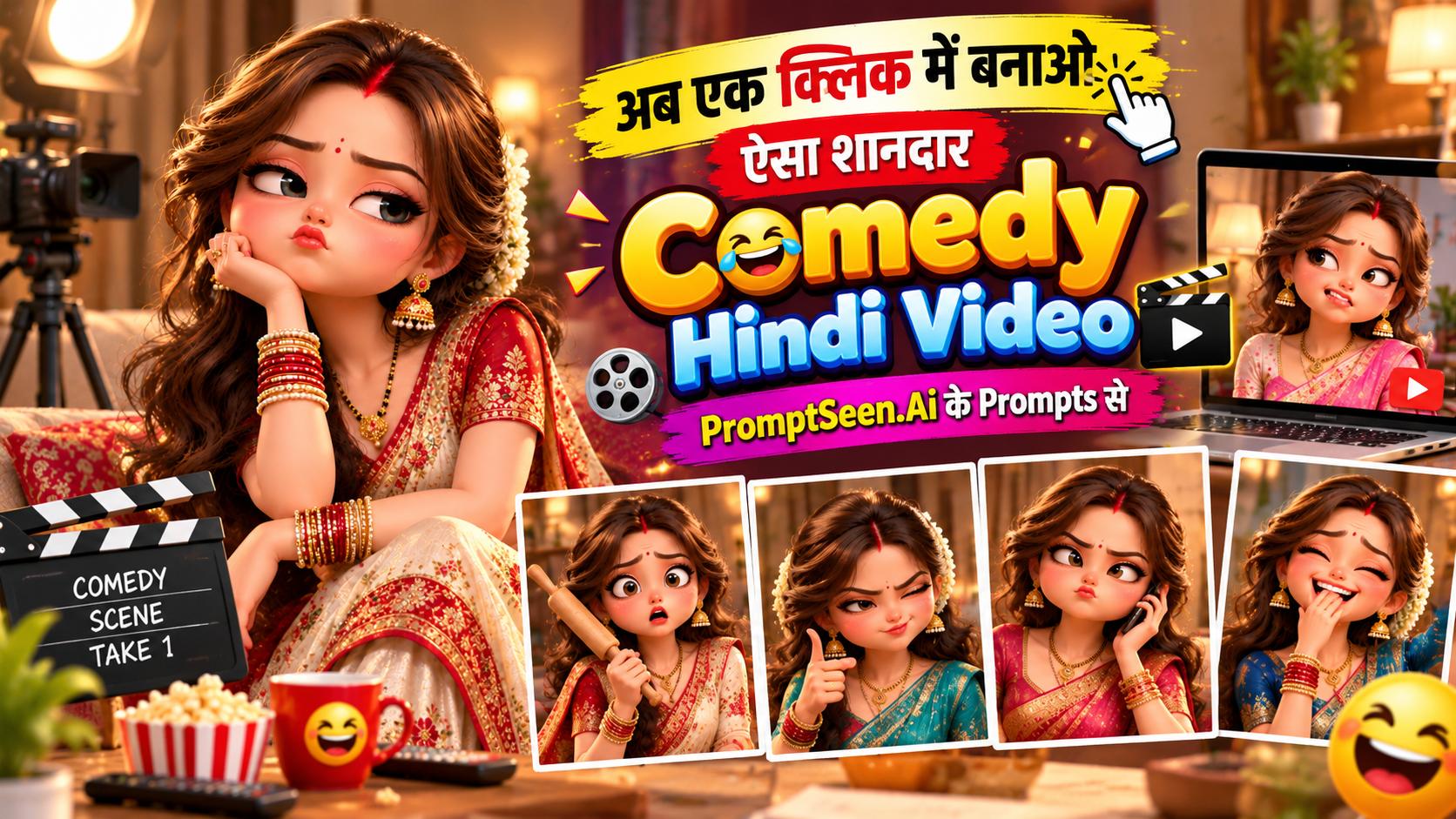
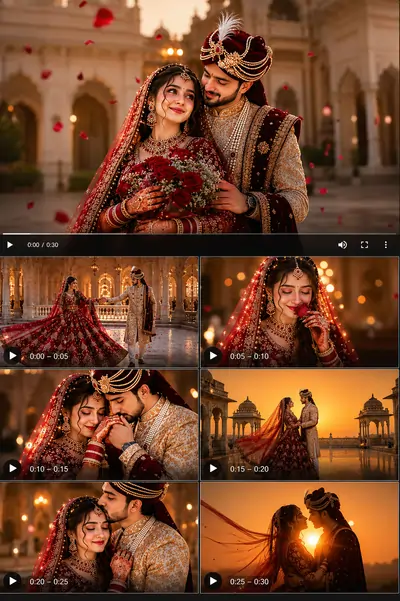
Before you copy the prompts, watch this quick demo to see the hilarious attitude, perfect lip-sync, and cinematic camera movements generated purely from a single prompt to video command.
Step 1: Create a reference image using a reference prompt
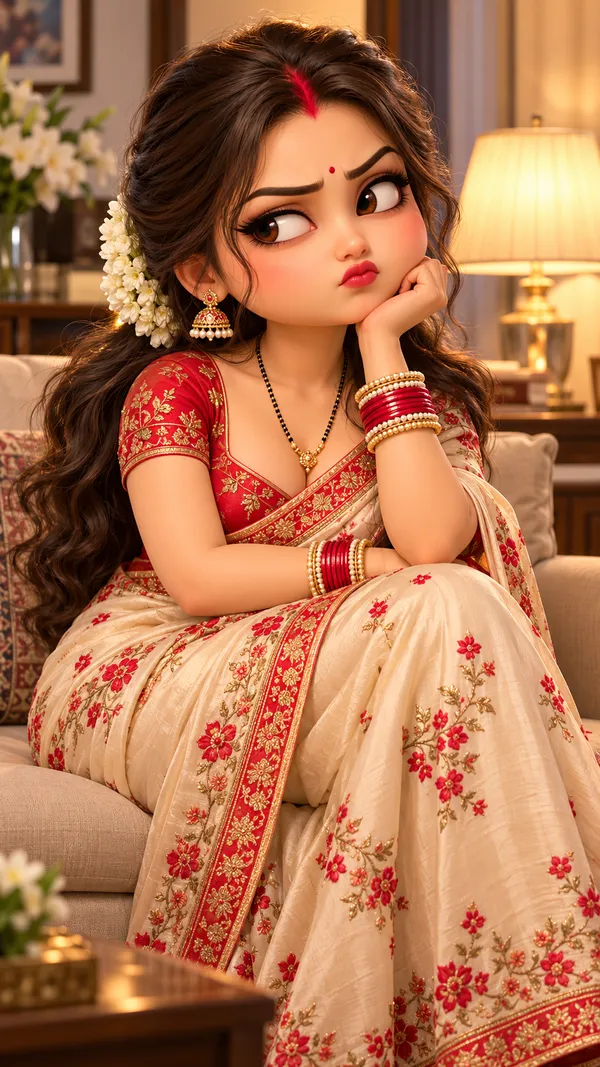
Every viral AI comedy scene starts with a stable base image. By using an image-to-video approach, you ensure your character remains consistent without their face distorting. Use the text below to generate your base image.
3D Chibi Character : A photorealistic portrait of a beautiful Indian married woman in her early 30s with a mature adult face and figure. Long wavy dark-brown hair with a white mogra gajra, red sindoor in her hair parting, a small red bindi, red lipstick, gold jhumka earrings with pearls, a gold mangalsutra, red, gold and pearl bangles. She wears a cream silk saree with red floral embroidery and a red embroidered border, with a matching red blouse. She sits on a beige sofa in a warm, cozy living room with a table lamp and white flowers in the background, her chin resting on her hand, giving a sulky, sassy side-eye with a slight pout. Soft warm evening light, cinematic, shallow depth of field, vertical 9:16. No text, no watermark.
Step 2: Upload the image and paste the Comedy Video Prompt
Now, upload your generated image into your favorite prompt to video ai platform (like Gemini or Google Flow). Paste the multi-part Hindi comedy AI video prompt below to bring the sassy dialogue to life.
Prompt Part 1: Biwi Se Bahas Zindagi Tahas Nahas
Animate the uploaded image exactly as it is. Use it as the first frame and keep the woman's face, hairstyle, makeup, sindoor, bindi, jewellery, saree, the sofa and the room identical to the image in every frame — do not change her face or redesign anything. Same art style as the image. Vertical 9:16, 10 seconds.
She sits on the sofa talking directly to the camera like a sassy Indian wife sharing gossip with her friends — full ATTITUDE: proud raised eyebrows, eye rolls, smirks, head tilts, hair flips, dramatic hand gestures.
Voice: a young FEMALE voice, sassy, playful and full of attitude, speaking clear Hindi with perfect lip-sync. Only she speaks.
Audio: a fun, trendy "attitude" background beat (desi funky comedy music) throughout, plus comic sound effects as described.
Visual effects: quick comic snap-zooms on her face, small camera shakes on punchlines, sparkle effects on hair flips. No subtitles, no on-screen text, no watermark.
Scene: she leans back on the sofa, touches her hair and says with attitude: "दोस्तों, आज सुबह-सुबह पतिदेव के साथ झगड़ा हो गया। बात नहीं कर रहे हैं।" She rolls her eyes, then mimics her husband with a fake angry face and pointing finger: "और कह रहे थे कि मुझसे बात मत करना तू।" Then she closes her eyes, shrugs proudly with a hand flick: "मैंने कहा, चलो ये भी ठीक!"
Sound effects: a "whoosh" on the hair touch, a comic "dun-dun" when she mimics the husband, a cute "ting" on her proud shrug. Effect: snap-zoom on her face at "झगड़ा हो गया".
Prompt Part 2: Continuing the Scene
Animate the uploaded image exactly as it is. Use it as the first frame and keep the woman's face, hairstyle, makeup, sindoor, bindi, jewellery, saree, the sofa and the room identical to the image in every frame — do not change her face or redesign anything. Same art style as the image. Vertical 9:16, 10 seconds.
She sits on the sofa talking directly to the camera like a sassy Indian wife sharing gossip with her friends — full ATTITUDE: proud raised eyebrows, eye rolls, smirks, head tilts, hair flips, dramatic hand gestures.
Voice: a young FEMALE voice, sassy, playful and full of attitude, speaking clear Hindi with perfect lip-sync. Only she speaks.
Audio: a fun, trendy "attitude" background beat (desi funky comedy music) throughout, plus comic sound effects as described.
Visual effects: quick comic snap-zooms on her face, small camera shakes on punchlines, sparkle effects on hair flips. No subtitles, no on-screen text, no watermark.
Scene: she starts laughing and says with a naughty smile: "एक घंटे से चड्डी-बनियान खोज रहा है बंदा…" She winks, then leans toward the camera with a smug face: "और हिम्मत नहीं हो रही कि मुझसे आके पूछ ले।" She brushes dust off her shoulder with full attitude: "मैं तो तैयार हूँ भाई!"
Sound effects: a cartoon "boing" on "चड्डी-बनियान", a sitcom laugh track after it, a "swoosh" on the shoulder brush. Effect: quick snap-zoom and freeze-frame with a sparkle on her wink.
Prompt Part 3: The Punchline
Animate the uploaded image exactly as it is. Use it as the first frame and keep the woman's face, hairstyle, makeup, sindoor, bindi, jewellery, saree, the sofa and the room identical to the image in every frame — do not change her face or redesign anything. Same art style as the image. Vertical 9:16, 10 seconds.
She sits on the sofa talking directly to the camera like a sassy Indian wife sharing gossip with her friends — full ATTITUDE: proud raised eyebrows, eye rolls, smirks, head tilts, hair flips, dramatic hand gestures.
Voice: a young FEMALE voice, sassy, playful and full of attitude, speaking clear Hindi with perfect lip-sync. Only she speaks.
Audio: a fun, trendy "attitude" background beat (desi funky comedy music) throughout, plus comic sound effects as described.
Visual effects: quick comic snap-zooms on her face, small camera shakes on punchlines, sparkle effects on hair flips. No subtitles, no on-screen text, no watermark.
Scene: she raises one finger like giving advice to all her friends and says dramatically: "इसीलिए कहती हूँ दोस्तों — बीवी से बहस, यानी ज़िंदगी तहस-नहस!" Then she makes a cute "O" face, gives a big confident hair flip, and ends with a proud smile and raised eyebrow at the camera.
Sound effects: a record-scratch before "बीवी से बहस", a heavy bass hit on "तहस-नहस", a magical shimmer on the hair flip, and a final music hit. Effect: camera shake on "तहस-नहस", slow-motion hair flip with sparkles at the end.
Introduction: Comedy Video Prompt in Hindi
Creating engaging, highly shareable content for Instagram Reels and YouTube Shorts has never been easier. With the rise of advanced AI comedy video generation, you no longer need expensive cameras or professional actors to make people laugh. Using our exclusive comedy video prompt in hindi, you can transform a single image into a lively, attitude-filled comedy sketch.
This article provides you with a 100% free, ready-to-use video editing prompt template. Whether you are searching for a prompt to video solution or want to experiment with funny text to video prompts, our carefully crafted instructions ensure the AI understands exactly how to animate facial expressions, add sassy dialogue, and sync hilarious sound effects seamlessly.
How to Create Comedy Videos with AI Prompts
To master the art of generating funny reels, you need to understand the structure of a good video prompt. A standard prompt just describes motion, but an AI video editing prompt for comedy must dictate character attitude, specific hand gestures (like a sassy hair flip), and camera movements (like a quick snap-zoom on a punchline).
Character Consistency: Start by generating a base photo. Our reference prompt sets up the perfect "Indian wife" aesthetic.
Detailed Descriptions: The comedy video prompt for Gemini and Veo given above clearly instructs the AI to use "proud raised eyebrows, eye rolls, and smirks".
Audio Cues: We explicitly mention "desi funky comedy music" and "record-scratch" sounds. This transforms a silent prompt to video ai output into a full audiovisual experience (if the tool supports audio generation).
How to Use Comedy Video Prompts in Supported AI Tools
Upload the generated photo of the sassy woman to Google Gemini, Google Flow, Kling, or any other platform.
Enter our funny video prompts in Hindi (Part 1, 2, and 3 respectively).
Set the aspect ratio to 9:16 (vertical format).
Simply click 'Generate'—your hilarious comedy reel will be ready in just one minute.
If you have any questions or want more prompts to video ai free, please comment on our Facebook page: Facebook: PromptBhai.
Tips for Creating Funny and Natural AI Videos
While using AI video prompts copy paste techniques is fast, getting the best result sometimes requires a few tricks. Always ensure your reference image is high-quality and well-lit. When using a Hindi comedy AI video prompt, the AI heavily relies on the initial facial expression of the uploaded photo. If the base photo is smiling, the AI will transition into dialogue much smoother than if the base photo is completely stoic.
Negative Prompt for distinct tools like Kling, Hailuo, and Pika
To avoid unwanted mutations and keep your comedy video looking human and natural, always use negative constraints in your video editing prompts.
Avoid:
face change, distorted face, plastic skin, extra fingers, deformed hands.
How can I use a comedy video prompt in Hindi for Instagram Reels?
Using a comedy video prompt in Hindi is easy. You simply copy our free text prompt, upload your reference image to an AI tool like Gemini or Google Flow, and click generate. It will create a funny scene with perfect lip-sync instructions.
Which is the best prompt to video AI generator for comedy scenes?
Tools like Google Veo, Gemini, and Kling are currently the best prompt to video AI generators. They accurately understand Hindi context, camera shakes, and facial expressions required for comedy.
Are these video editing prompts free to use?
Yes, all the AI video editing prompts provided on PromptBhai are 100% free to copy, paste, and use for generating your personal or social media content.
Do these funny text to video prompts include audio instructions?
Absolutely! Our Hindi comedy AI video prompt includes specific instructions for background beats, sitcom laugh tracks, and comic sound effects like a 'boing' or 'record-scratch'.
Why is my AI comedy video generation looking distorted?
Distortion happens when the AI lacks constraints. Always use a negative prompt like 'distorted face, plastic skin, extra fingers' to ensure a realistic AI video generation.
Can I use ChatGPT to generate a video editing prompt?
Yes! You can use ChatGPT video editing prompts to refine your ideas, but for actual video generation, you must paste the text prompt into a dedicated Image-to-Video tool.