Table of Contents
- 1. Demo Video: Tiny Baby Miniature Getting Ready
- 2. Introduction: Tiny Baby Miniature Dandiya AI Video Prompt
- 3. Step 1: Create a Reference Image
- 4. Step 2: Paste the Video Prompt and Generate
- 5. How to Use the Dandiya Video Prompt in Gemini
- 6. Tips for Creating a Cute Miniature Baby Video
- 7. Negative Prompt for Video Tools
- 8. People Also Search For
- 9. FAQ – Tiny Baby Miniature Dandiya Video Prompt
1. Demo Video : Tiny Baby Miniature Getting Ready for Girl - Video Prompt
Curious to see what these magical video editing prompts can create? Check out the charming demo below, where a 3D animated toddler gets fully dressed for Dandiya, entirely generated using our custom prompt text.
2. Introduction – Tiny Baby Miniature Dandiya AI Video Prompt
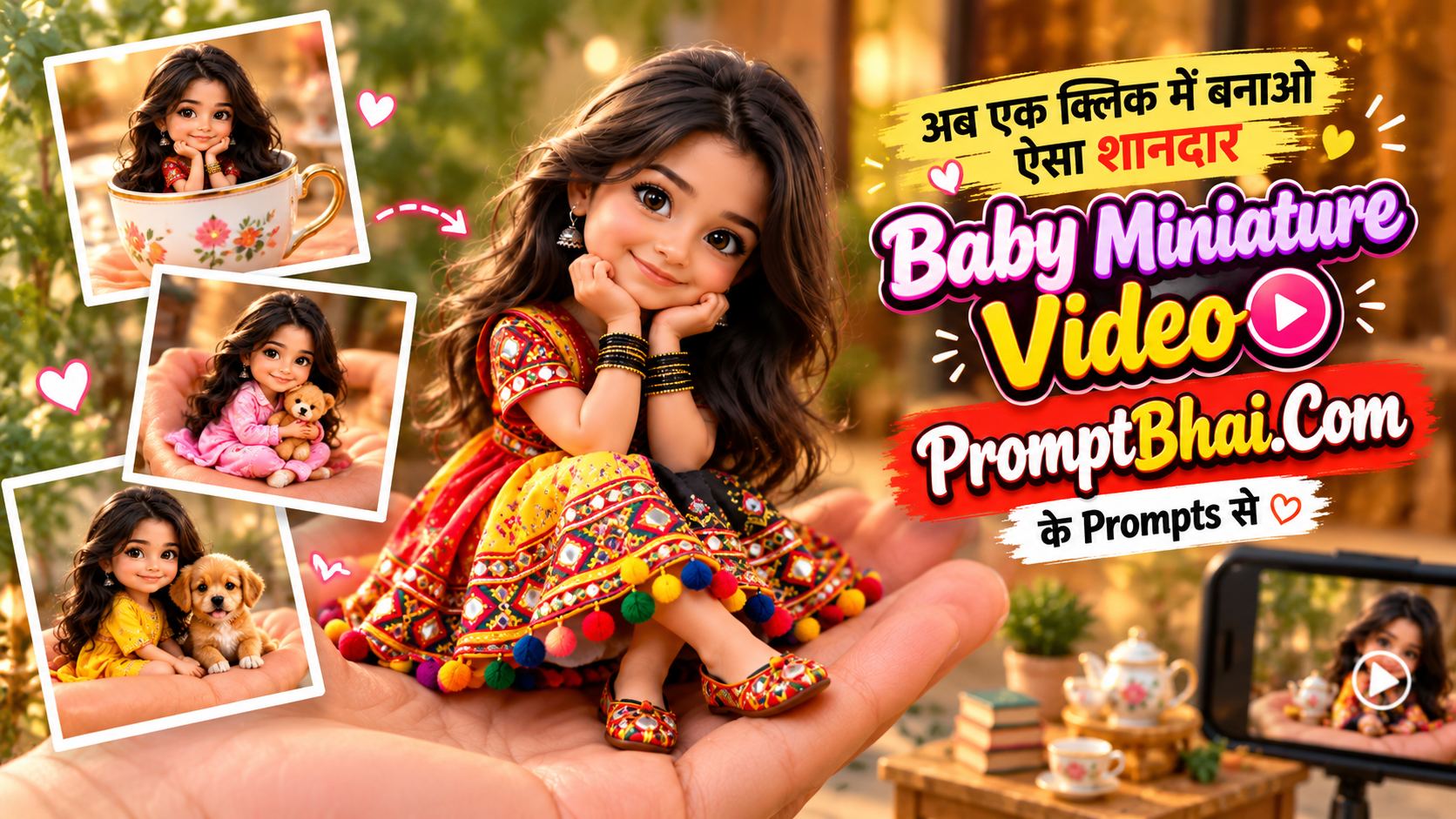
Welcome to one of the most heartwarming aesthetics in the world of prompt to video ai generation! Creating festive, animated content has never been easier. With this unique video prompt for girl, you can magically bring a 3D miniature baby to life right in the palm of your hands.
Whether you're looking for an engaging Baby getting ready for Dandiya prompt for an Instagram Reel or simply exploring video editor prompts by gulshan Aggarwal, this guide has everything you need. We use precise timings, cinematic descriptors, and a 9:16 vertical ratio command to ensure the final output is highly shareable and undeniably cute.
3. Step 1: Create a Reference Image Using a Reference Prompt
To keep the character perfectly consistent, you must first generate a stable 3D image. This step is crucial for any successful prompt to video workflow. Copy and paste the text below into an image generator to create your tiny baby base image.
A cute 3D animated cartoon character in a high-quality animated movie style: a happy little toddler doll, about the size of a palm, standing on a large open hand, with a second hand resting nearby (only the hands are visible). The toddler wears a colourful traditional Navratri chaniya choli — a red, yellow and black embroidered skirt with mirror work, geometric patterns and tiny colourful pom-pom tassels, a matching embroidered blouse, a red-and-yellow dupatta and small bead bangles. Big expressive eyes, long soft wavy hair, a sweet smile. Softly blurred warm festive home background with green plants. Soft lighting, vertical 9:16. No text, no watermark.
4. Step 2: Upload the Image and Paste the Video Prompt
Upload the image you just generated into your preferred AI engine (such as Gemini, Flow, or Kling). Then, copy this detailed prompts by vivido text, paste it into the generator, and click 'Generate' — your Tiny baby Dandiya AI video prompt is ready to animate!
5. How to Use the Dandiya Video Prompt in Gemini
- Upload the generated 3D image of the tiny toddler to Google Gemini, Google Flow, or any other supported AI platform.
- Enter our prompt by gulshan editing in the text box.
- Set the aspect ratio to 9:16 (vertical).
- Simply click 'Generate' — your incredibly adorable animation will be ready in just a few minutes.
- For a visual guide on using a Gemini AI video prompt, check the tutorial video below.
- If you have any questions or want to request a new Navratri baby video prompt, comment on our Facebook: PromptBhai Facebook.
6. Tips for Creating a Cute Miniature Baby Video
To master the Miniature baby animation prompt, focus heavily on the "Image-to-Video" approach. The AI needs a strong starting point to understand the scale difference between the tiny toddler and the giant hands. The strict timing cues (e.g., 0-1.5s, 1.5-3s) included in our prompt video ensure that the AI does not rush the cute festive preparation actions.
7. Negative Prompt for Video Tools
AI tools can struggle when drawing hands holding small objects. To keep your Dandiya AI video prompt looking clean and professional in tools like Kling, Hailuo, or Pika, use this essential constraint:
8. People Also Search For
- Video editing prompts free download
- Video editing prompts for instagram
- Video editing prompts free
- Video editing prompts ChatGPT
- ChatGPT video editing prompts free
- AI video editing prompt
- Video editing prompts Gemini
- AI prompt video editor free
PromptBhai के साथ जुड़ें
रोज़ नए वायरल AI प्रॉम्प्ट, सबसे पहले आपके पास