Table of Contents
- 1. 3D Clay Pastel (Gemini / ChatGPT)
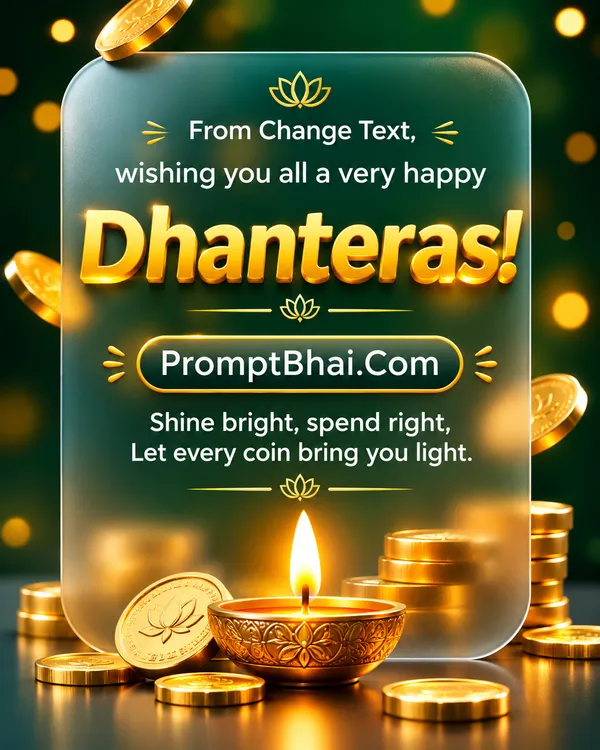
- 2. Glassmorphism Gold
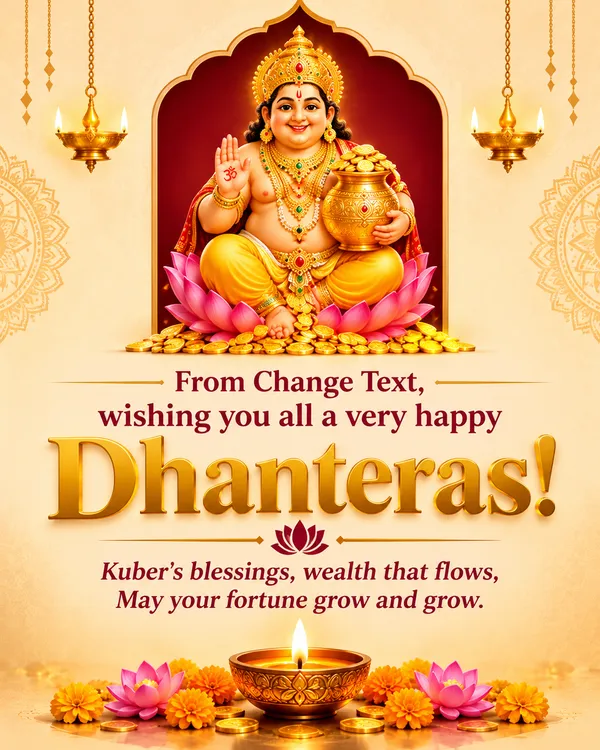
- 3. Golden Arch Kuber
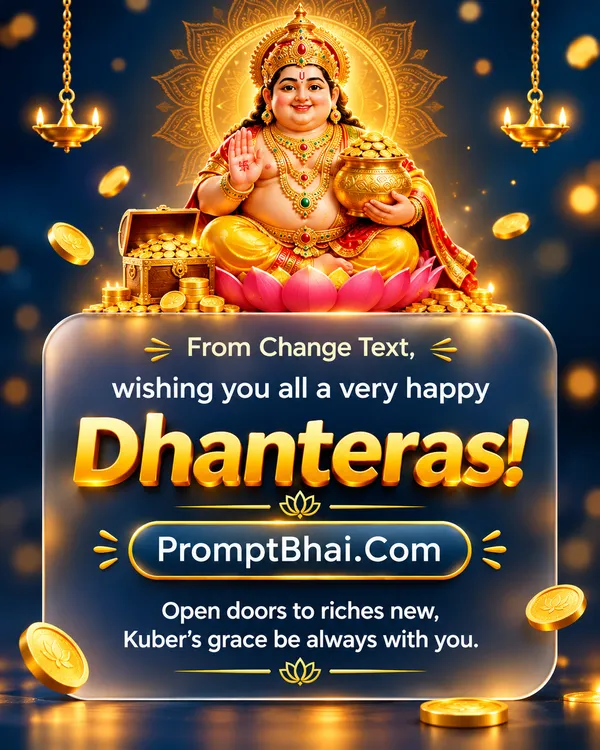
- 4. Glass Card Kuber
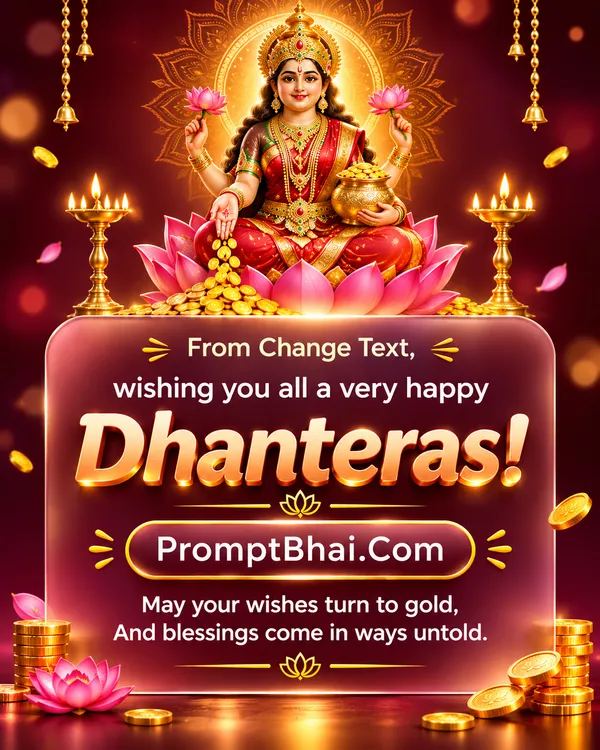
- 5. Rose Gold Glass Card
- 6. Modern Pichwai Minimal
- 7. Introduction – Dhanteras Wishing Photo Editing Prompts
- 8. How to Create Dhanteras Wishing Photos with Gemini & ChatGPT
- 9. Tips for Creating Professional Dhanteras Greeting Cards
- 10. FAQ – Dhanteras Wishing Photo Editing Prompts
7. Introduction – Dhanteras Wishing Photo Editing Prompts
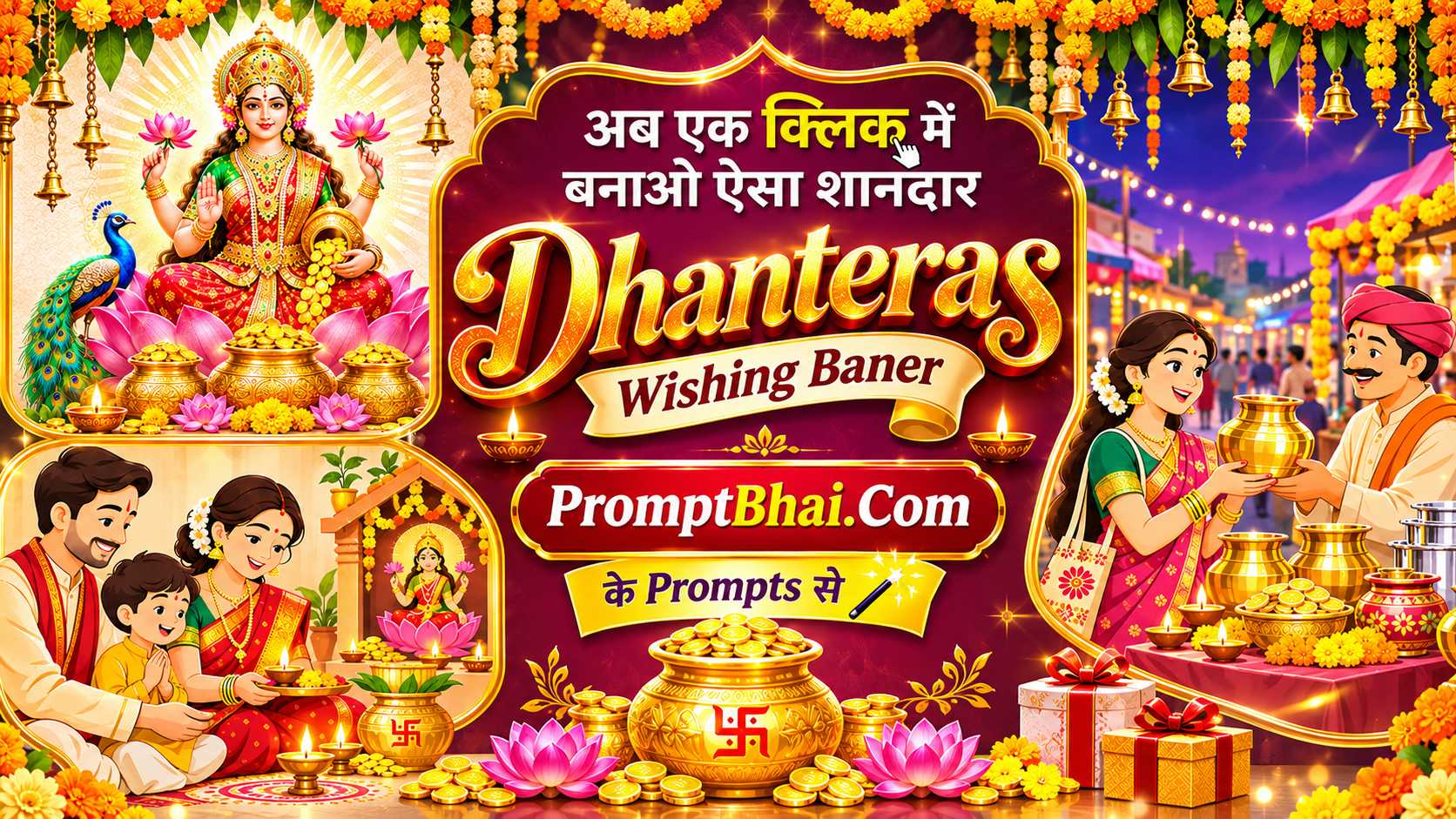
Welcome to the digital era of celebrating festivals! Sending the same forwarded internet images for Dhanteras is a thing of the past. Today, you can easily blend traditional Indian festive charm with striking modern aesthetics using our exclusive Dhanteras wishing photo editing templates. Whether you are looking to design a stunning Invitation Card for your family pooja or simply want to update your social media with a unique Dhanteras background, generative AI has made it entirely effortless.
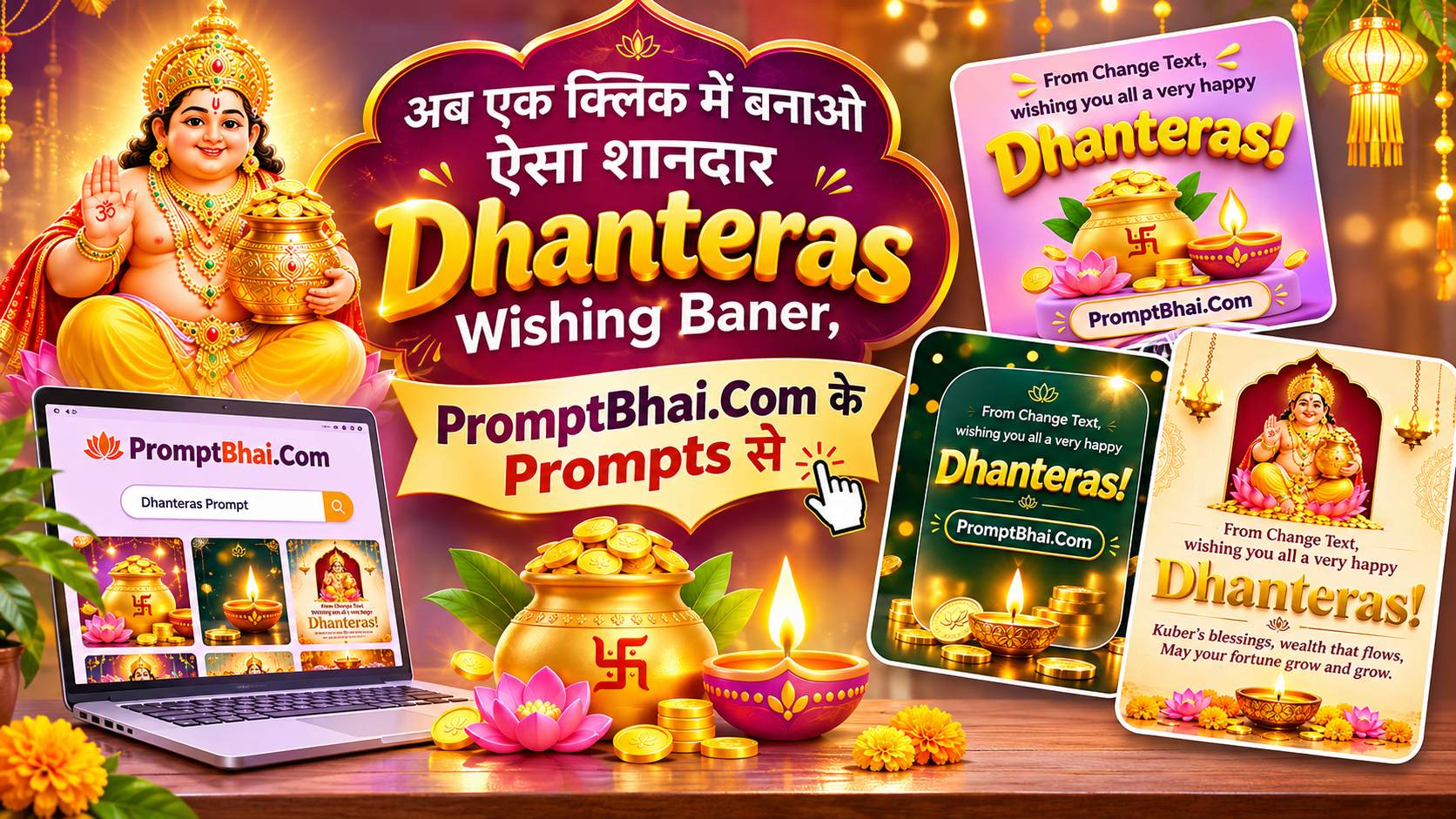
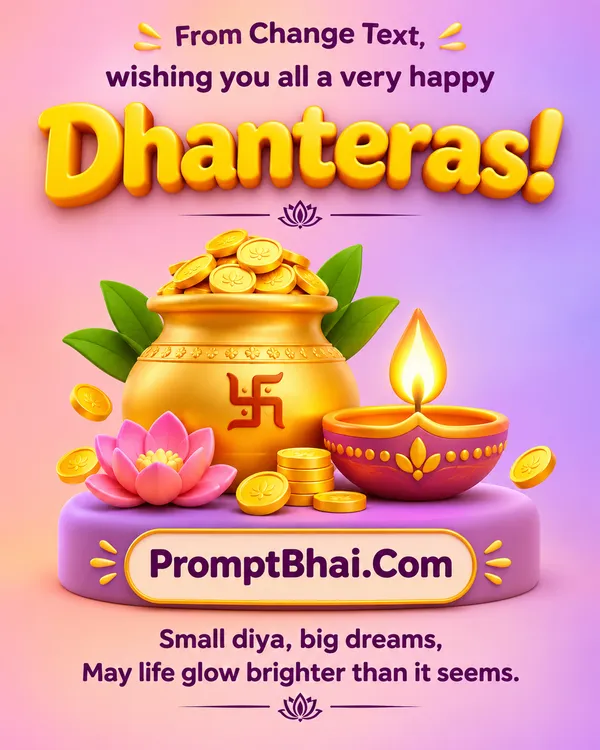
Just like our highly successful Birthday Invitation templates, these custom-crafted prompts instruct powerful AI models like ChatGPT (DALL-E 3) and Google Gemini to render visually breathtaking, high-resolution graphics. From 3D clay pastel designs featuring a glossy gold kalash to sleek glassmorphism themes highlighting Goddess Lakshmi and Lord Kubera, creating your personalized Diwali wishing card takes only a few seconds. Say goodbye to complicated editing software and say hello to professional-grade festive creativity!
8. How to Create Dhanteras Wishing Photos with Gemini & ChatGPT
Generating a beautiful, customized Dhanteras image is an incredibly simple process that requires zero graphic design skills. Follow these easy steps to get your perfect greeting:
- Step 1: Browse the Collection: Scroll through the 6 unique prompt templates provided above. Read their descriptions and decide which style (Glassmorphism, 3D Clay, Pichwai, etc.) matches your aesthetic taste.
- Step 2: Copy Your Prompt: Once you have found the perfect design, click the 'Copy' button located right below the sample image. The entire prompt text will be saved to your device's clipboard.
- Step 3: Personalize Your Name: Open a text editor or note app on your phone, paste the prompt, and locate the placeholder phrase "From Change Text". Erase that placeholder and type in your actual name or your family's name (e.g., 'From Rahul').
- Step 4: Generate Your Card: Open your preferred AI tool, such as ChatGPT Plus or Google Gemini Advanced. Paste your customized text into the prompt box and press enter. The AI will instantly generate your stunning, ready-to-share Dhanteras hd images.
9. Tips for Creating Professional Dhanteras Greeting Cards
While AI models are incredibly smart, keeping a few expert tips in mind will ensure your Dhanteras photo output looks like it was crafted by a high-end design agency:
- Typography Tweaks: AI image generators can occasionally misspell a word on the first try. If you notice a typo in the English text or your name on the generated Diwali wishing card, simply hit the 'Regenerate' button using the exact same prompt. It usually fixes the spelling on the second attempt.
- Aspect Ratios: Most of our prompts are optimized for a 'vertical 9:16' ratio, which is perfect for a WhatsApp status or Instagram Reel. If you prefer a more traditional post format, you can manually change 'vertical 9:16' in the prompt to '4:5 portrait' or 'square 1:1'.
- Preserve Key Elements: The magic of these prompts lies in specific keywords like 'Glassmorphism', '3D clay', and 'Golden Arch'. Try not to delete these crucial style descriptors, as they dictate the overall premium look and feel of the Dhanteras background.