Table of Contents
- 1. Demo Video: 360 Photo Booth Video Prompt
- 2. Introduction – 360 Photo Booth Video Prompt
- 3. 360 Photo Booth Video Prompt (Copy-Paste)
- 4. How to Create a 360 Photo Booth Video with AI
- 5. How to Use 360 Video Prompts in Gemini & AI Video Tools
- 6. Tips for Creating Smooth 360 Degree Camera Rotation Videos
- 7. Negative Prompt for Video Tools
- 8. People Also Search For
- 9. FAQ – 360 Photo Booth Video Prompt
1. Demo Video : 360 Photo Booth Video Prompt for Gemini & AI Video
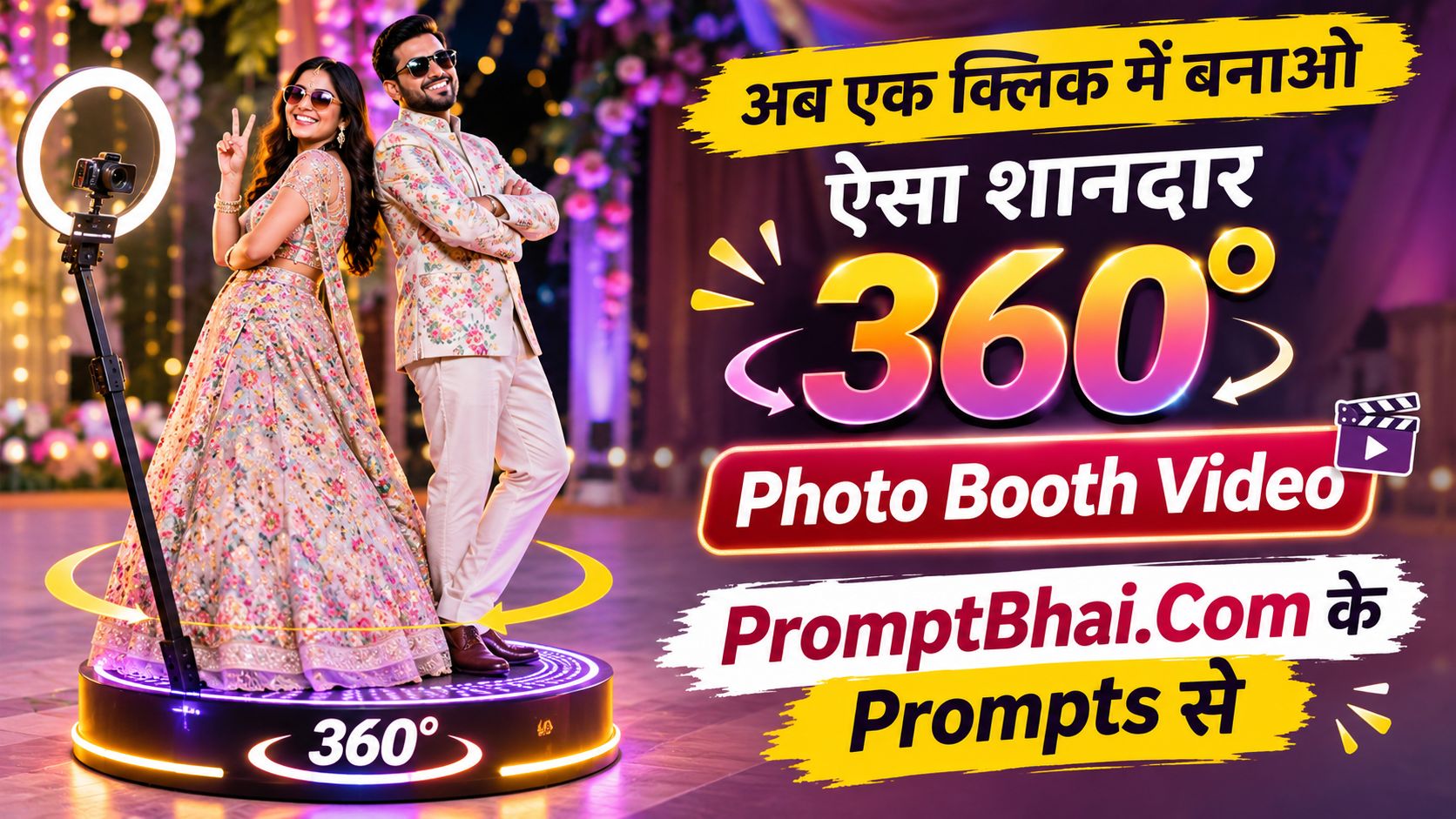
Curious to see what this video prompt can generate? Watch the quick demonstration below. The AI takes a single static picture and wraps a highly cinematic 360 camera orbit around the subjects, simulating a real-life glamorous party event.
2. Introduction – 360 Photo Booth Video Prompt
Welcome to the future of event photography and social media trends. The 360 photo booth has taken weddings, celebrity red carpets, and high-end parties by storm. But renting physical spinning camera rigs is expensive. What if you could generate an authentic-looking 360 photo booth AI video prompt using just a single static photograph? With the immense power of text-to-video AI, you finally can.
Gone are the days of needing complex studio setups. Using highly targeted video editing prompts, you can instruct AI models like Google Flow and Gemini to perfectly maintain the identity of the person in the photo while placing them on a virtual red carpet. The prompt editing instructions we've crafted ensure that the camera orbits precisely around the subject, keeping their face intact without the usual AI distortion.
3. 360 Photo Booth Video Prompt
Upload your reference photo (make sure it's a high-quality full-body or half-body shot). Then, simply copy and paste this exact block of text into your favorite prompt to video ai generator.
Keep exactly the same number of people as in the reference image — do not add, remove or replace anyone. A 360 photo booth video of the person(s) from the reference image, standing on a red carpet. Keep their face 100% identical to the reference image — same facial features, same skin tone, same expression, same hairstyle — do not change, beautify, smooth or alter the face in any way. The face must stay real and recognizable from every angle during the full spin. Keep their body and outfit exactly as they appear in the reference. The camera smoothly spins 360 degrees around them at a slow, steady speed, keeping them centered in frame. In the blurred background, paparazzi and photographers are taking pictures with bright camera flashes. Cinematic lighting, highly detailed, photorealistic, looks like a real video shot on a professional camera, no AI look. Exactly the same number of people as in the reference image — no extra people.
4. How to Create a 360 Photo Booth Video with AI
To master the art of cinematic camera movement, you must rely on Image-to-Video capabilities. If you attempt this by typing just a prompt video description without a base image, the AI will generate random people. By uploading a strong reference, you lock the AI onto your specific facial features.
If you don't have the perfect image ready, you can always use our Instagram Thumbnail Downloader to grab high-quality stills from existing posts. Or, if you want to pull inspiration from an actual video to create the perfect base, try our Video to Prompt generator to extract the scene details seamlessly.
This prompt by gulshan editing focuses heavily on temporal consistency, meaning the AI is strictly commanded not to morph the face as the 360-degree rotation happens.
5. How to Use 360 Video Prompts in Gemini & AI Video Tools
- Upload a photo of yourself, a girl, a boy, or a couple to Google Gemini, Google Flow, or any compatible Image-to-Video tool.
- Enter our detailed prompts to video text in the provided input box.
- Ensure you configure the aspect ratio to 9:16 so the output looks like a native, vertical social media Reel.
- Simply click 'Generate' — your glamorous red carpet video will be ready in roughly one minute.
- Review the video tutorial below for a deeper walkthrough on running video editor prompts by gulshan Aggarwal efficiently.
- If you have any questions or want to request custom prompts by vivido, connect with us on our Facebook page: PromptBhai Facebook.
6. Tips for Creating Smooth 360 Degree Camera Rotation Videos
Creating a prompt to video sequence that loops seamlessly requires patience. The phrase "camera smoothly spins 360 degrees around them at a slow, steady speed" is vital. If the AI hallucinates or creates a wobbly spin, try regenerating the video. For best results, use a reference image where the subject's face is front-facing and clearly lit.
7. Negative Prompt for Video Tools
To preserve your identity and prevent AI artifacts during the full camera orbit when using platforms like Kling, Hailuo, or Pika, it is crucial to use a negative block along with your main video prompt.
PromptBhai के साथ जुड़ें
रोज़ नए वायरल AI प्रॉम्प्ट, सबसे पहले आपके पास
8. People Also Search For
- 360 photo booth video effect
- 360 video booth AI prompt
- 360 camera orbit prompt
- 360 selfie video prompt
- 360 degree rotation video prompt
- AI 360 video generator
- 360 photo booth video editing