Table of Contents
- 1. नदी में पवित्र स्नान – सुबह
- 2. चूल्हे पर कद्दू-भात बनाते हुए
- 3. केले के पत्ते पर पहला सात्विक भोजन
- 4. घर और आंगन की सफाई – तैयारी
- 5. स्नान के बाद सूर्य को प्रणाम
- 6. Introduction – Chhath Puja Nahay Khay Photo Editing Prompts
- 7. How to Use Nahay Khay Prompts in Gemini & ChatGPT
- 8. Tips for Creating Realistic Nahay Khay AI Photos
- 9. FAQ – Chhath Puja Nahay Khay Prompts
1. नदी में पवित्र स्नान – सुबह (Gemini / ChatGPT)
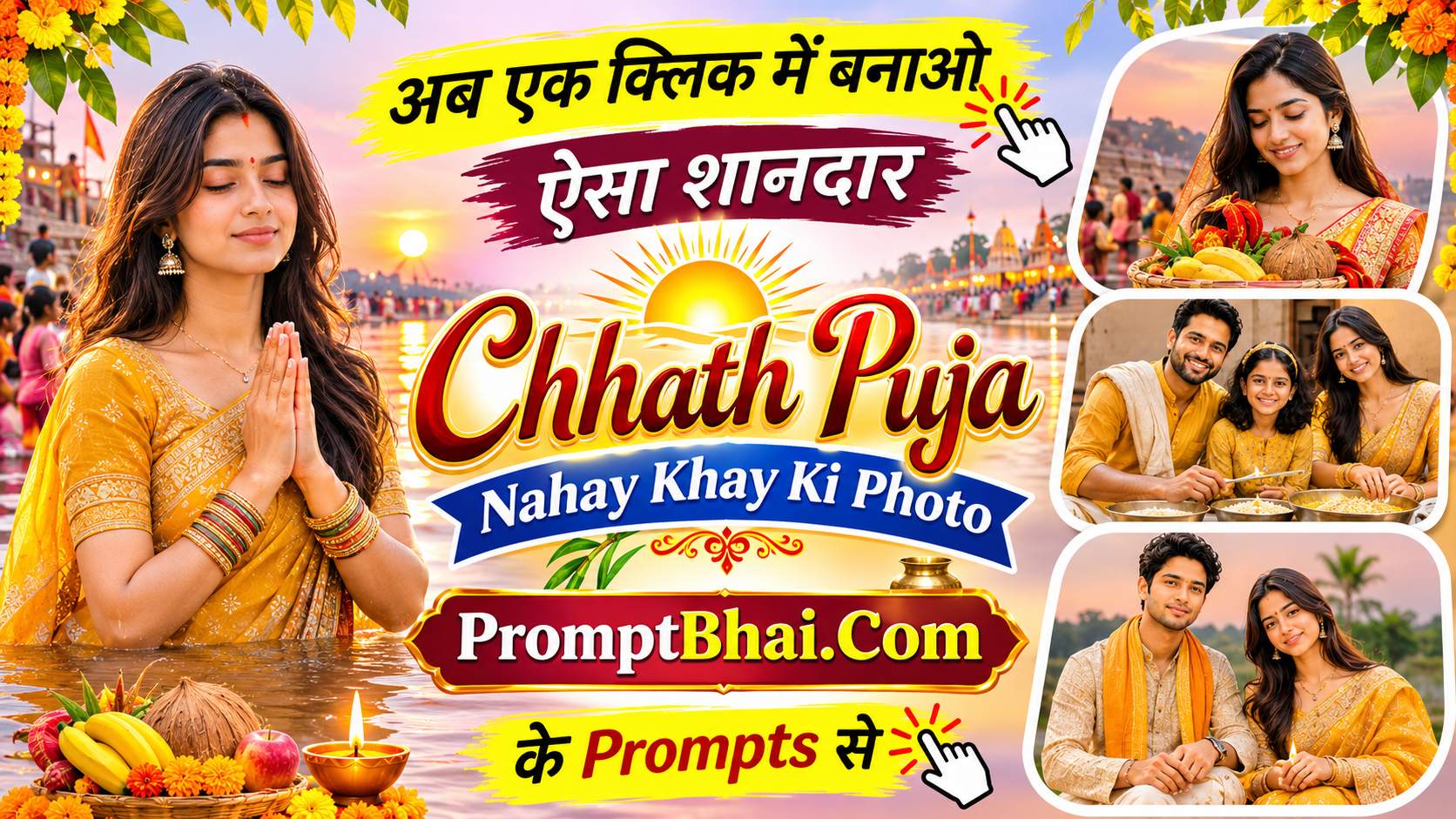
Embrace the sacred first day of the festival with this beautiful Chhath Puja first day photo prompt. The AI will gracefully place you in a calm river at dawn, perfectly capturing the devotion and purity of the Holy Bath ritual before the morning sun.
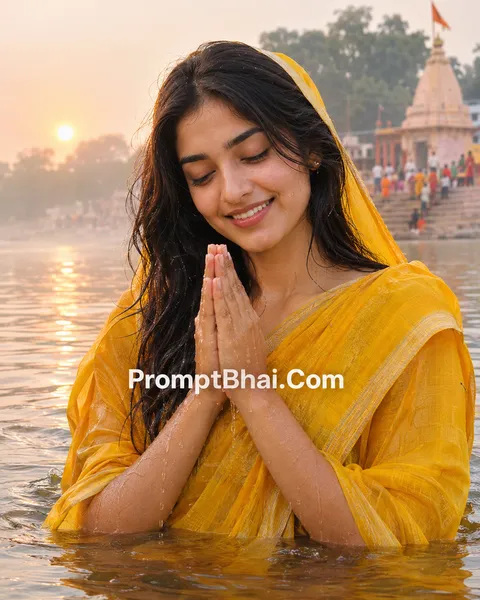
Use the uploaded photo as reference. Keep exactly the same number of people as in the reference photo — do not add or remove anyone. Keep every face 100% identical to the reference (same features, skin tone, expression), only change the clothes and background. Early morning on Nahay-Khay, the first day of Chhath: standing waist-deep in a calm river, hands folded in prayer with eyes gently closed, water droplets on the face and hands. Fully and modestly dressed in simple traditional clothes matching each person's existing style of dressing — a plain yellow cotton saree for feminine clothing, a white dhoti with a cotton angocha over the shoulders for masculine clothing. Soft morning sun, light mist on the water, a riverside ghat with temple steps softly blurred behind. DSLR photo, natural morning light, real skin texture, realistic wet fabric, true-to-life colours. Final check: same number of people as the reference photo, faces unchanged, fully photorealistic, no AI look.
2. चूल्हे पर कद्दू-भात बनाते हुए
Capture the essence of traditional Indian cooking! This highly detailed Nahay Khay kitchen photography template transports you to a clean, village-style kitchen, where you are beautifully rendered cooking the holy Lauki Sabzi over an earthen chulha.

3. केले के पत्ते पर पहला सात्विक भोजन
Honour the purity of the Sattvik Bhojan. Serving as a remarkable Kaddu Bhaat AI photo prompt, this generates a peaceful, devotional scene of you sitting on the floor with a banana leaf spread, ready to consume the sacred Chana Dal and Rice.
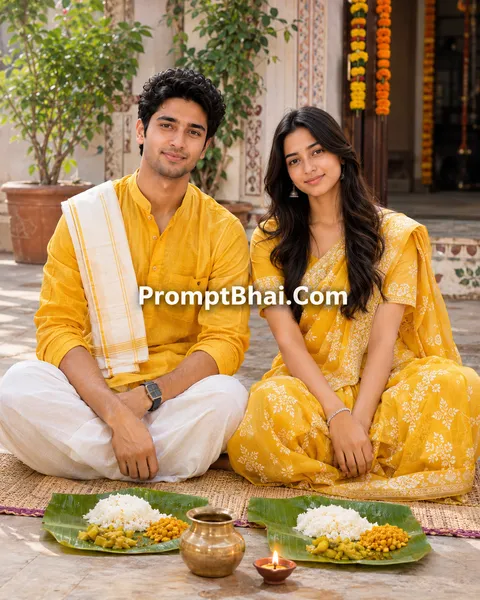
4. घर और आंगन की सफाई – तैयारी
The preparation is just as sacred as the puja itself. This beautiful Nahay Khay traditional photo prompt places you in a freshly mud-plastered courtyard, sprinkling holy Ganga water to prepare for the rigorous rituals of Chhathi Maiya.
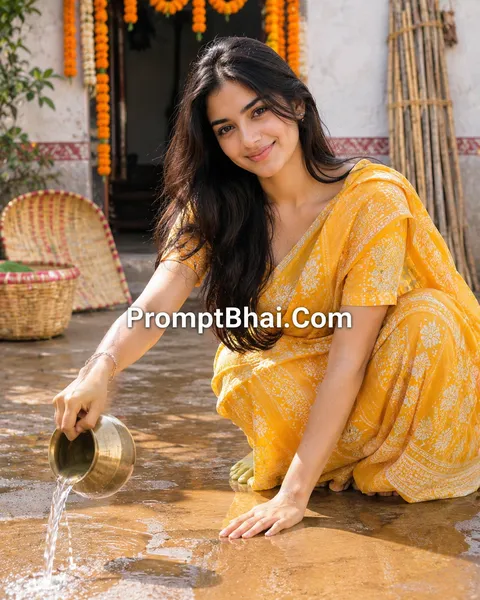
5. स्नान के बाद सूर्य को प्रणाम
Offer your deepest respects to the Sun God. This striking Nahay Khay Gemini prompt generates a highly photorealistic image of you standing on the river ghat steps in fresh, dry traditional clothes, offering prayers to Surya Dev after the holy bath.
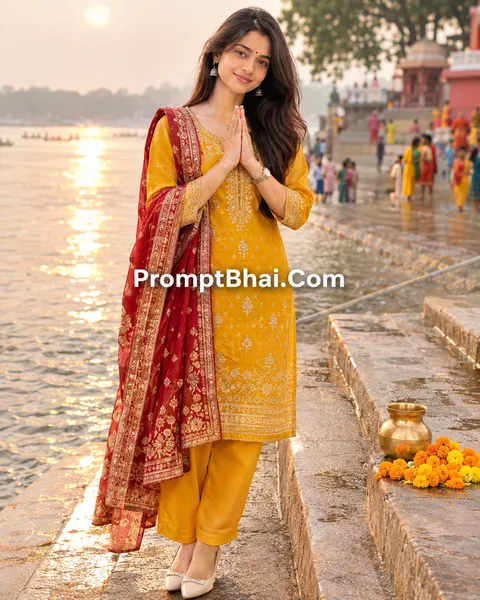
PromptBhai के साथ जुड़ें
रोज़ नए वायरल AI प्रॉम्प्ट, सबसे पहले आपके पास
6. Introduction – Chhath Puja Nahay Khay Photo Editing Prompts
The great festival of Chhath Puja begins with immense purity and devotion on Kartik Shukla Chaturthi, a day widely celebrated as Nahay Khay. It is the day of profound cleansing, holy river bathing, and the preparation of the highly sacred Sattvik Bhojan—Kaddu Bhaat. If you have ever wanted to capture these pure, traditional moments but struggled with crowded ghats or camera setups, our new Nahay Khay AI photo editing prompts are exactly what you need for Chhath Puja 2026.
Building on the success of our comprehensive Chhath Prompts and our rich Religion Prompt Collection, these templates allow you to completely bypass expensive photoshoots. By carefully instructing advanced AI generators like ChatGPT and Google Gemini, you can seamlessly blend your everyday selfie into a deeply devotional scene. Whether you want to generate a stunning Chhath Puja Nahay Khay photo prompt showing you cooking Lauki Sabzi on a traditional mud chulha, or a serene portrait offering prayers to Surya Dev, these AI formulas do the heavy lifting for you.
7. How to Use Nahay Khay Prompts in Gemini & ChatGPT
Creating your perfect, customized Chhath Puja in Hindi festive portrait is incredibly easy. You do not need any technical editing skills. Simply follow these four straightforward steps:
- Step 1: Choose Your Sacred Scene: Scroll through the 5 unique templates provided above. Decide whether you prefer an outdoor setting like 'नदी में पवित्र स्नान' (Holy Bath) or an indoor preparation scene like 'चूल्हे पर कद्दू-भात'.
- Step 2: Copy the AI Instruction: Once you find a style you love, click the 'Copy' button located directly below its demo image. The entire, highly detailed Nahay Khay ChatGPT prompt will be saved to your device's clipboard.
- Step 3: Upload Your Face: Open Google Gemini Advanced or ChatGPT Plus (using DALL-E 3). Use the attachment icon to upload a clear, front-facing reference photo of yourself or your family members. Avoid using photos with heavy filters or sunglasses.
- Step 4: Paste and Generate: Paste the copied text into the prompt box and press enter. The AI will strictly follow the 'Face Preservation' rules and generate a flawless, cinematic Nahay Khay photo editing prompt featuring your identity in seconds!
8. Tips for Creating Realistic Nahay Khay AI Photos
AI models are exceptionally smart, but generating culturally specific elements like 'Brass Utensils' or 'Chana Dal' requires a bit of precision. Keep these expert tips in mind for the best results:
- Do Not Alter the Face Rules: Every single prompt begins with the instruction to "Keep exactly the same number of people" and "Keep every face 100% identical". This is the secret to retaining your identity in the generated Chhath Puja 2026 image. Never delete these constraints from the copied text!
- Focus on Clothing Colors: The prompts automatically suggest wearing simple festive cotton clothes in yellow or orange. However, if you prefer, you can easily change 'yellow cotton saree' to 'red cotton saree' in the prompt box before generating your Nahay Khay wishes image prompt.
- Use the 'Regenerate' Feature: Sometimes, the AI might add an extra Earthen Cooking Utensil or slightly misinterpret the mud chulha on the very first try. Do not worry. Just click the 'Regenerate' button using the exact same prompt; subsequent attempts will usually render the traditional elements perfectly.