Table of Contents
- 1. भोर से पहले घाट की ओर
- 2. पानी में खड़े होकर सूर्योदय का इंतज़ार
- 3. उगते सूर्य को अर्घ्य
- 4. व्रत का पारण – अदरक और जल
- 5. प्रसाद के साथ खुशी का पोर्ट्रेट
- 6. Introduction – Chhath Puja Chautha Din Photo Editing Prompts
- 7. How to Use Chhath Puja Chautha Din Prompts in Gemini & ChatGPT
- 8. Tips for Creating Realistic Usha Arghya AI Photos
- 9. FAQ – Chhath Puja Chautha Din Prompts
1. भोर से पहले घाट की ओर (Gemini / ChatGPT)
Capture the serene, devout atmosphere of the early morning journey. This Chhath Puja Chautha Din AI photo prompt places you walking barefoot along a peaceful path towards the river ghat, carrying the sacred Daura before the sun even rises.

Use the uploaded photo as reference. Keep exactly the same number of people as in the reference photo — do not add or remove anyone. Keep every face 100% identical to the reference (same features, skin tone, expression), only change the clothes and background. Pre-dawn on Usha Arghya, the fourth day of Chhath: walking barefoot along a narrow path towards a river ghat, carrying a bamboo daura of offerings and a lit brass lantern, deep blue sky with the faintest glow on the horizon, rows of diyas lining the path. Traditional Chhath attire in yellow and red matching each person's existing style of dressing — a saree with sindoor for feminine clothing, a kurta with dhoti for masculine clothing — with a light shawl for the morning chill. Blue-hour photography, lantern glow on the face, natural shadows, real skin texture, slight film grain. Final check: same number of people as the reference photo, faces unchanged, fully photorealistic, no AI look.
2. पानी में खड़े होकर सूर्योदय का इंतज़ार
Experience the tranquil moments of Saptami Tithi. Utilizing this Chhath Puja sunrise AI photo prompt, the AI seamlessly generates an image of you standing in the cool, misty river, holding the Soop and waiting for Surya Dev to appear.

3. उगते सूर्य को अर्घ्य
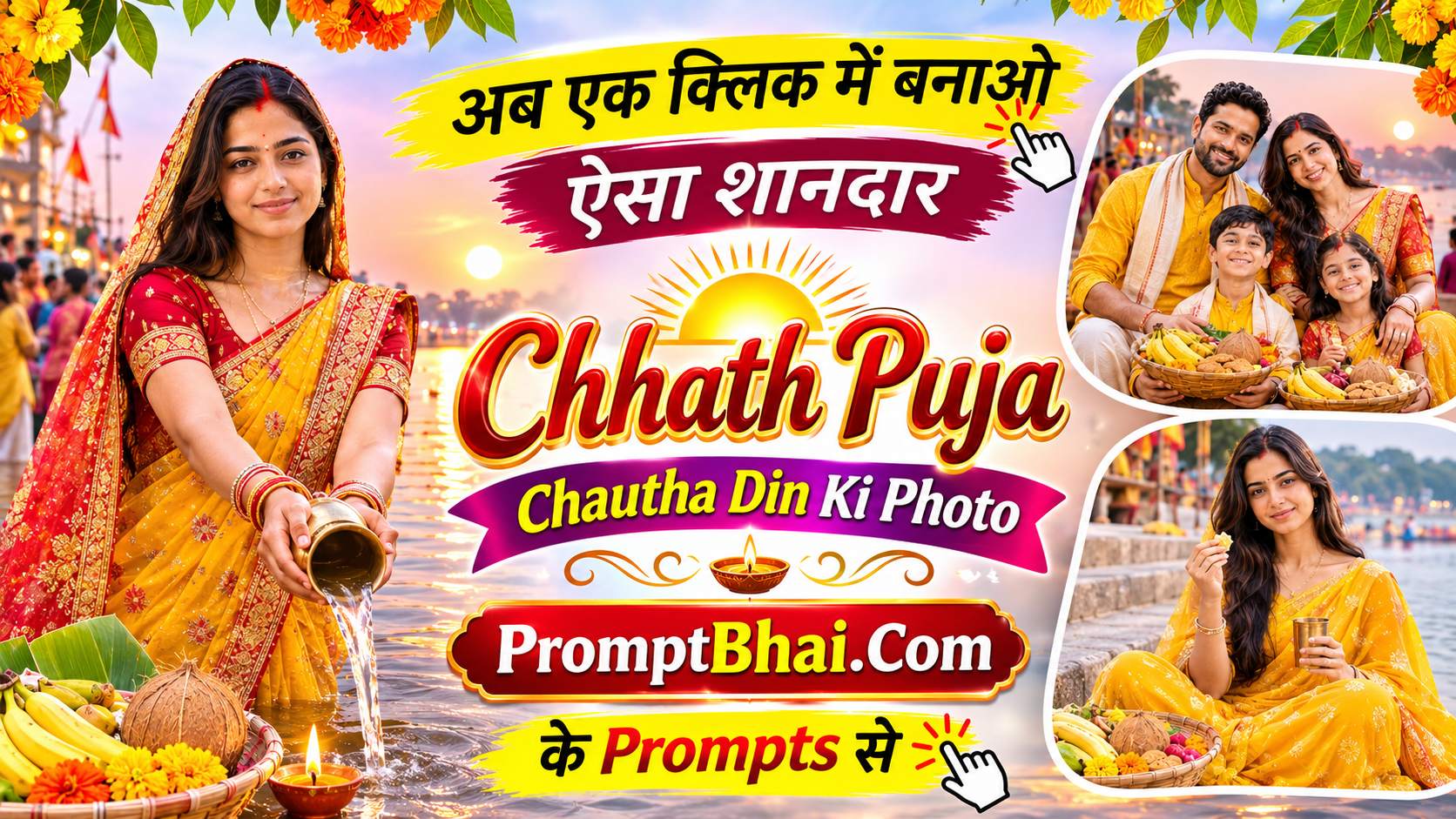
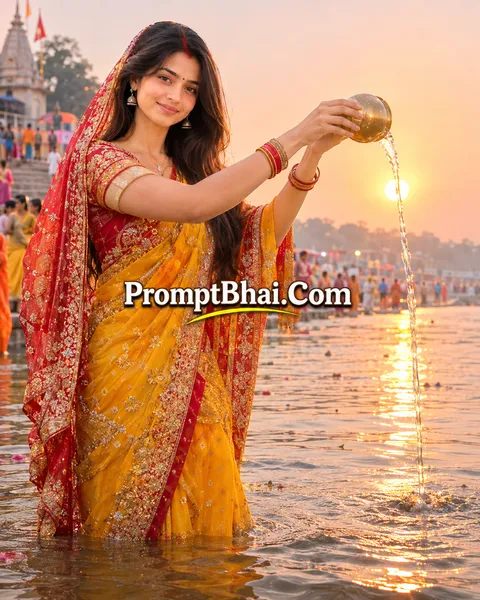
This is the absolute climax of the festival! This incredible Usha Arghya AI photo editing prompt captures the highly revered moment of pouring water from a brass lota directly towards the magnificent rising sun, illuminated by cinematic backlight.
4. व्रत का पारण – अदरक और जल
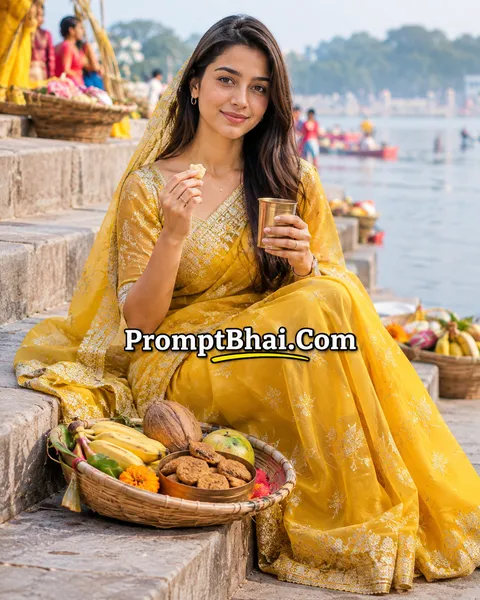
Celebrate the successful completion of the arduous fast. This peaceful Chhath Puja Parana photo prompt carefully depicts you breaking the 36-hour fast by consuming ginger and water while sitting on the stone steps of the river ghat.
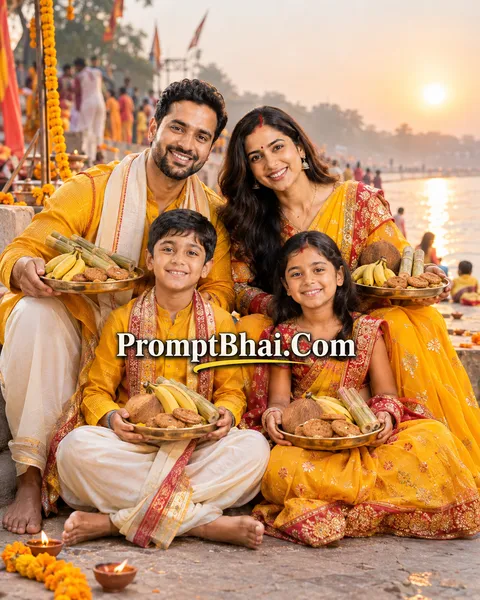
5. प्रसाद के साथ खुशी का पोर्ट्रेट
Seal the memory of Chhath Puja 2026 with a joyous portrait! Functioning as a beautiful Chhath Puja Gemini prompt, it generates a vibrant image of you holding a brass plate full of Thekua and fruits, celebrating with a huge smile after the puja ends.
PromptBhai के साथ जुड़ें
रोज़ नए वायरल AI प्रॉम्प्ट, सबसे पहले आपके पास
6. Introduction – Chhath Puja Chautha Din Photo Editing Prompts
The great festival of devotion and purity concludes with immense grace on Saptami Tithi, widely celebrated as the Chautha Din of Chhath Puja. This is the sacred morning of Usha Arghya, where devotees gather at the river ghat before sunrise to offer their final prayers to Surya Dev. If you want to digitally place yourself or your family into these divine, early morning settings without struggling with cold weather or crowded ghats, our Chhath Puja Chautha Din AI Photo Prompts are the perfect solution.
Building on our highly popular Chhath Puja Prompt Collection and inspired by the realism in our Diwali Prompt Collection, these text templates allow you to craft ultra-realistic, cinematic photos using just your smartphone. By passing these instructions to AI generators like ChatGPT or Gemini, the tool will automatically dress you in a traditional yellow saree or kurta and render a stunning sunrise glowing perfectly across the river water.
7. How to Use Chhath Puja Chautha Din Prompts in Gemini & ChatGPT
Generating your personalized, devotional Chhath Puja picture is incredibly fast and requires no prior photo editing skills. Just follow these four easy steps:
- Step 1: Choose the Perfect Scene: Scroll through the 5 templates provided above. Select the one that matches the moment you want to capture—whether it is walking with the Daura before dawn, or the exact moment of pouring the Arghya offering.
- Step 2: Copy the Instructions: Click the 'Copy' button located right below the demo image of your chosen Chhath Puja ChatGPT prompt. The entire detailed formula will be saved to your device's clipboard instantly.
- Step 3: Upload Your Best Photo: Open Google Gemini Advanced or ChatGPT Plus (using DALL-E 3). Use the attachment icon to upload a clear reference photo of yourself, your partner, or your family. Make sure everyone's face is well-lit and clearly visible.
- Step 4: Paste and Generate: Paste the copied text into the chat box and press enter. Within seconds, the AI will process the prompt, preserving your exact facial features while generating a breathtaking Chhath Puja photo for your social media updates!
8. Tips for Creating Realistic Usha Arghya AI Photos
Capturing the specific atmospheric elements of dawn—like blue-hour lighting, mist, and the golden sunrise—requires precision. Keep these expert tips in mind to get the most realistic Usha Arghya AI photo editing prompt results:
- Do Not Alter the Face Rules: Every prompt we provide begins with strict rules stating "Keep exactly the same number of people" and "Keep every face 100% identical". Never remove these instructions. They are critical constraints that force the AI to map your true identity accurately instead of generating a random person.
- Embrace the Lighting Cues: The prompts include terms like "natural dawn light" and "backlit golden light". If you upload a reference photo that was taken at night with heavy flash, the AI might struggle slightly to adapt it. For the best outcome, use a reference photo taken in natural daylight.
- Use the 'Regenerate' Option: Traditional items like a Bamboo Soop filled with Thekua and Sugarcane are complex for AI to render perfectly on the first try. If you notice any weird shapes or floating objects, simply click 'Regenerate' using the exact same text to fix those minor errors.