Diwali Prompt Collections
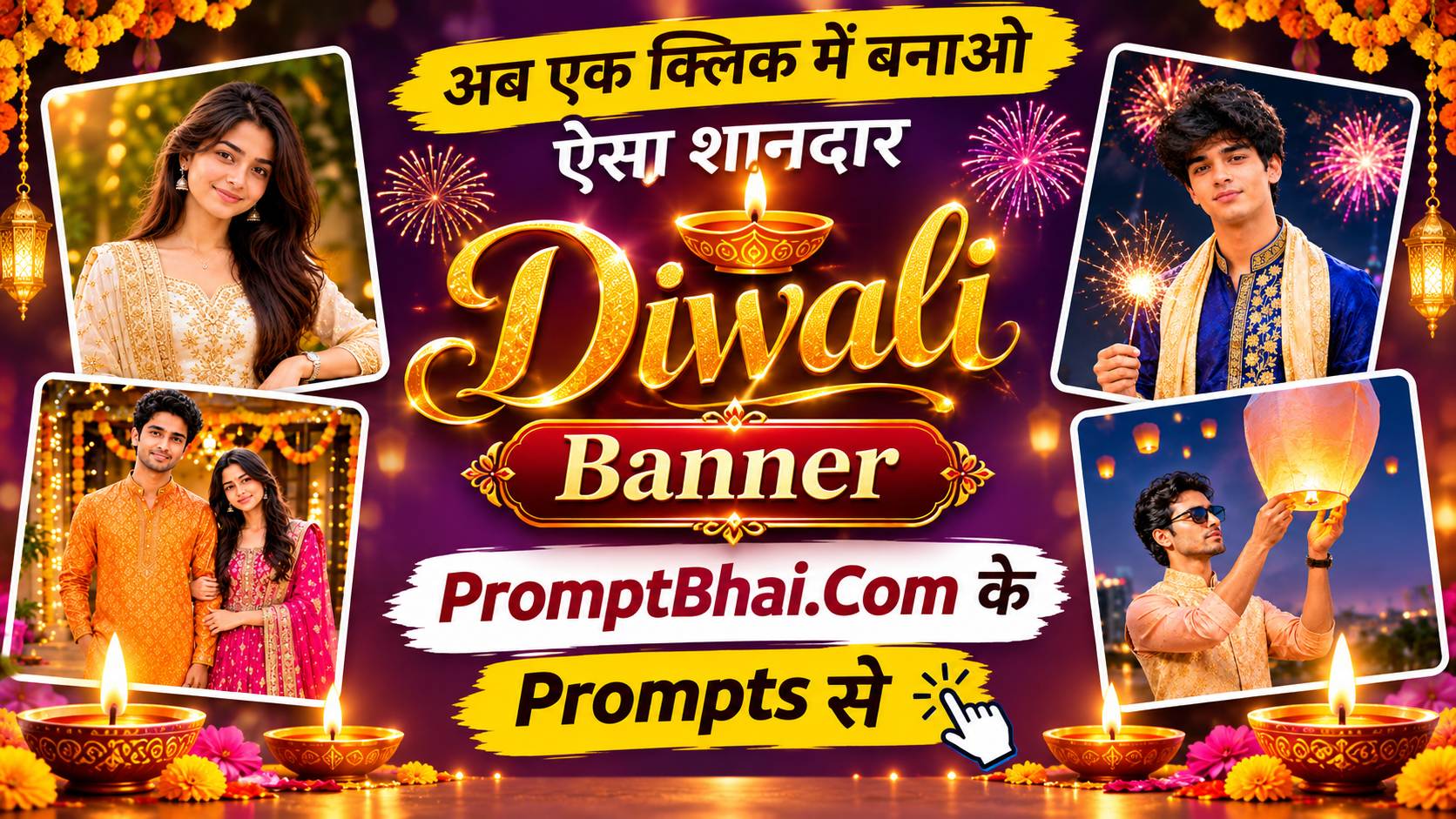
Diwali Wishes Banner Prompts
Five greeting-banner templates with the wishes text written right into the image — golden diya, fireworks night, rangoli story, square lantern post and sky lantern. Sized for WhatsApp status, Instagram story and the grid.
Get Prompts →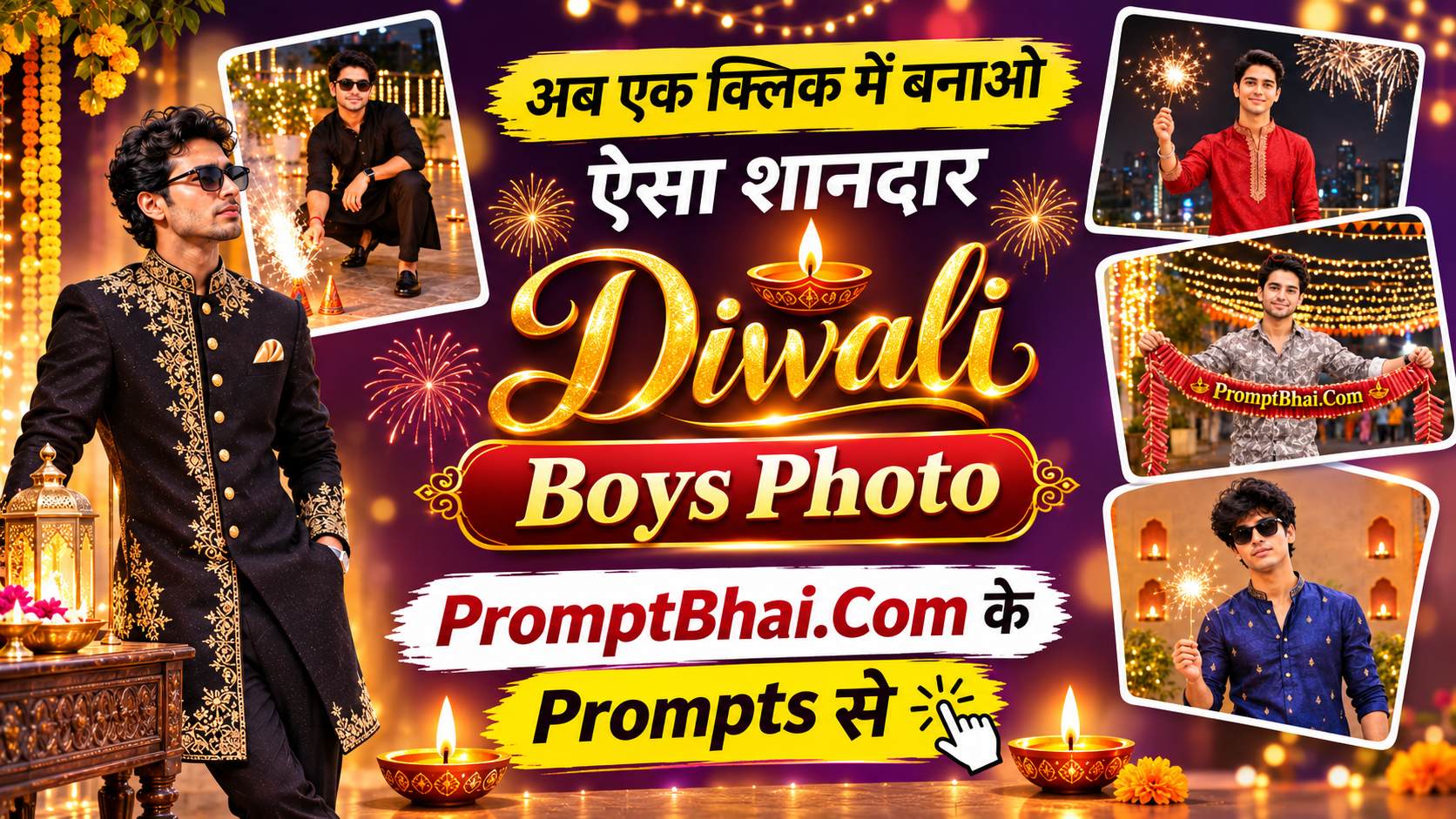
Diwali Prompts for Boys
Five full-body templates for a single boy's photo — black kurta beside an anaar, rooftop sparkler, cracker ladi on a festive street, royal black sherwani in a haveli, and a walk under a glowing Happy Diwali sign.
Get Prompts →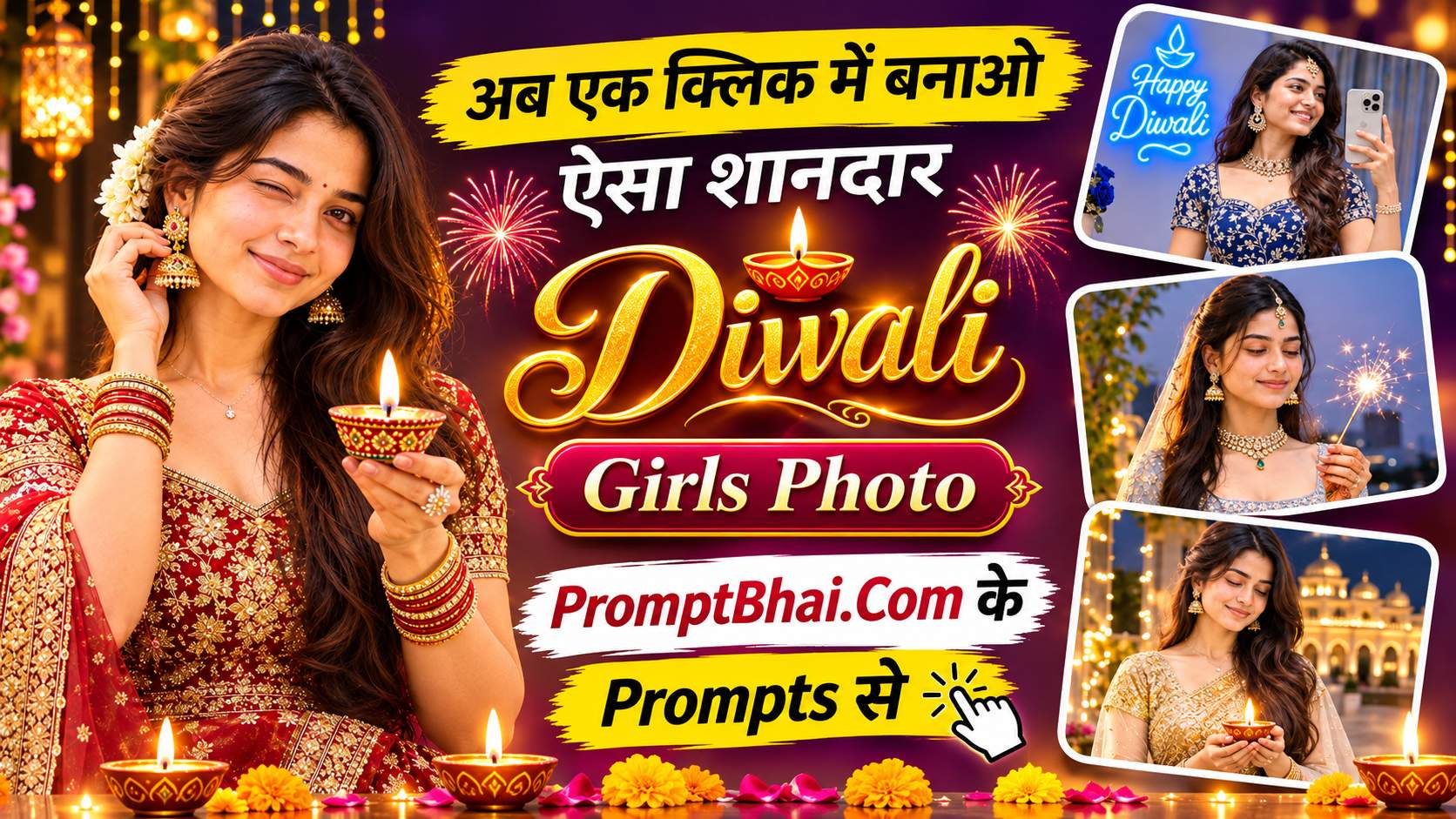
Diwali Prompts for Girls
Six templates covering anarkali, lehenga and saree looks — royal blue mirror selfie, diya wink close-up, balcony phuljhadi, Lakshmi pooja rooftop, marble palace balcony and a marigold rooftop with lanterns.
Get Prompts →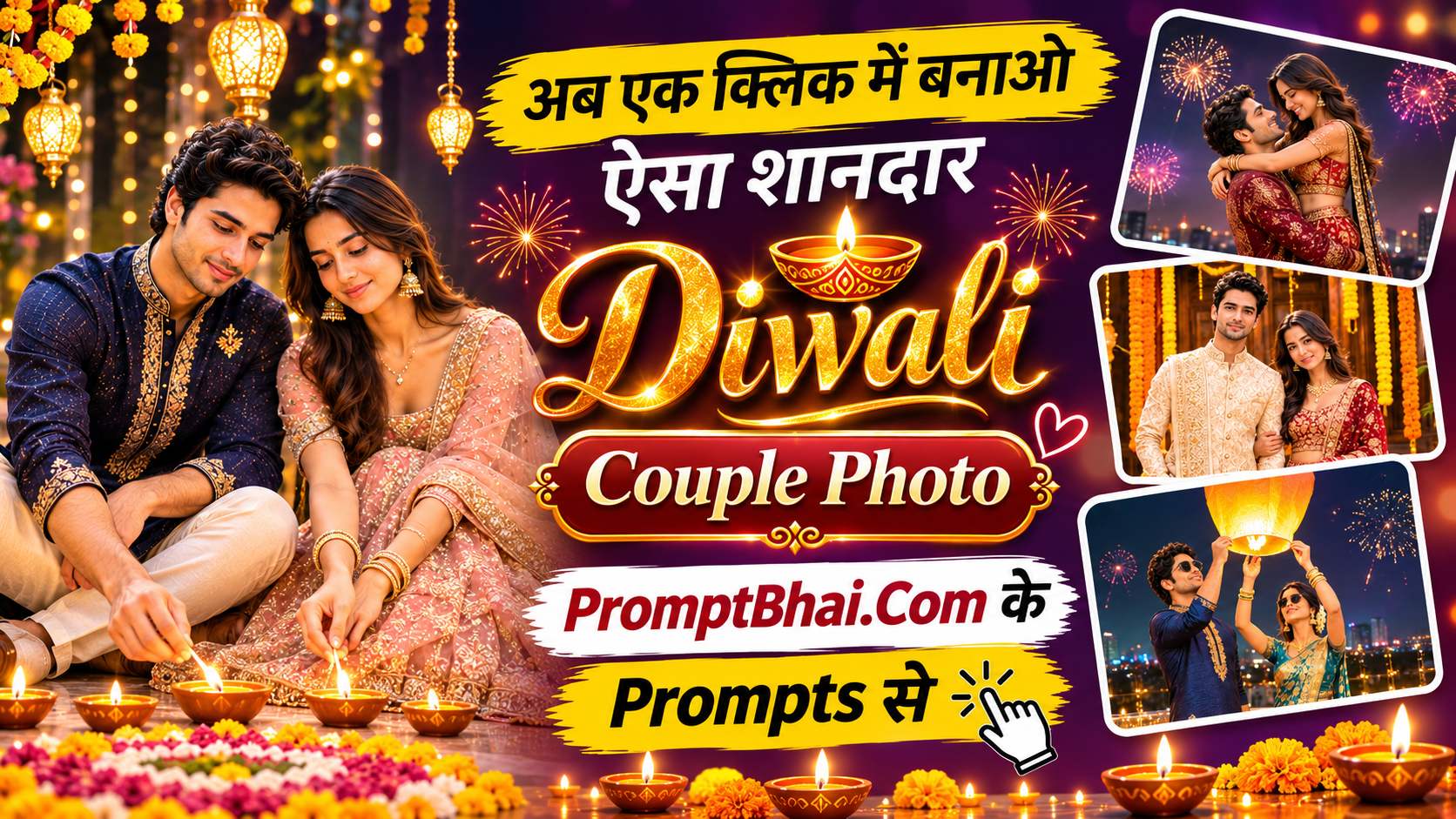
Diwali Prompts for Couple
Six romantic templates for a photo of two — sparklers joined into a heart, releasing a sky lantern, golden firework fountain, a posed rangoli doorway portrait, lighting diyas together and a festive embrace.
Get Prompts →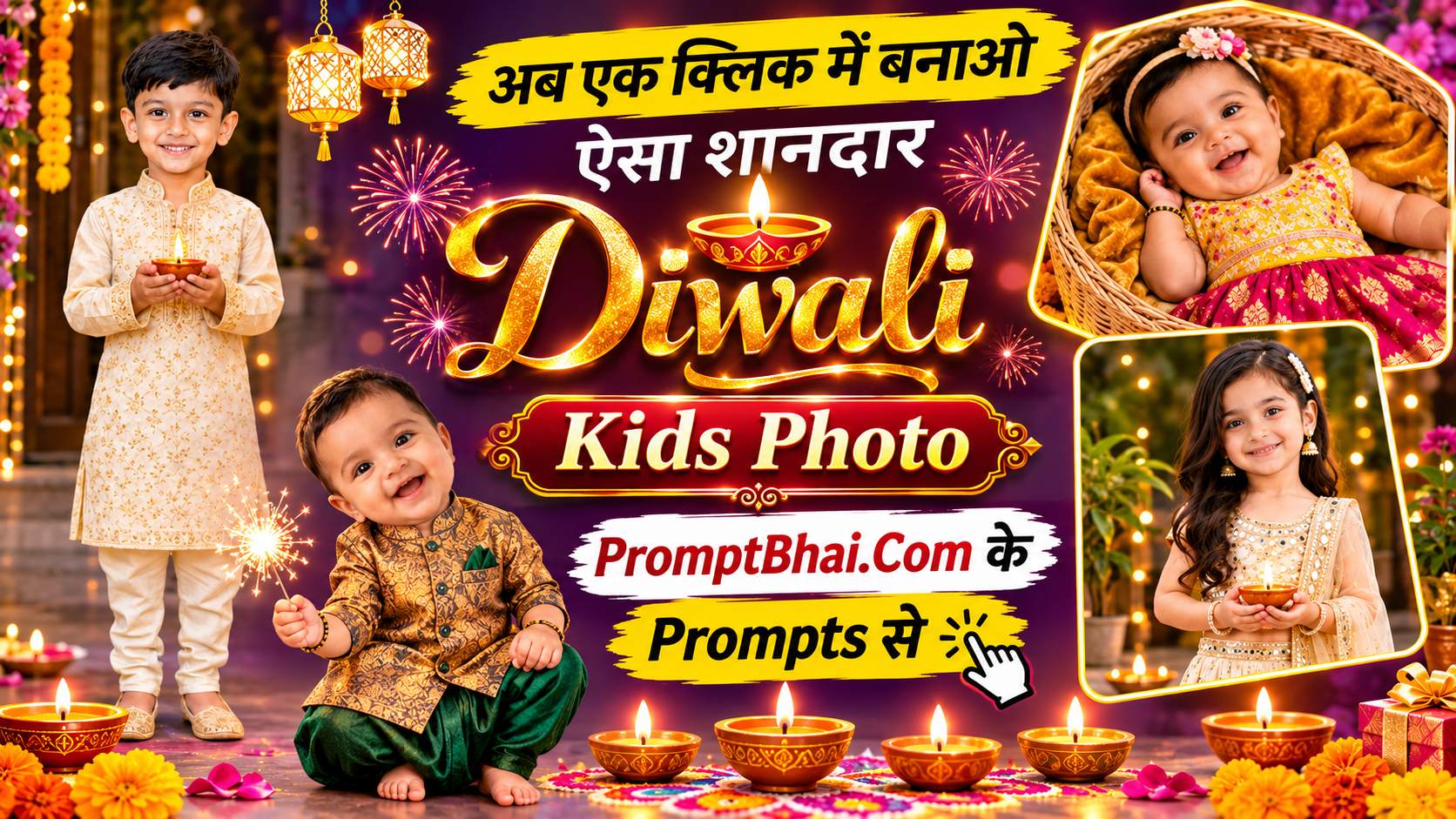
Diwali Baby & Kids Photo Prompts
Six child-safe templates with outfit lines for both boy and girl — little diya prince, pink lehenga, dreamy double portrait, overhead flat-lay, marigold basket newborn shoot and a sparkler smile.
Get Prompts →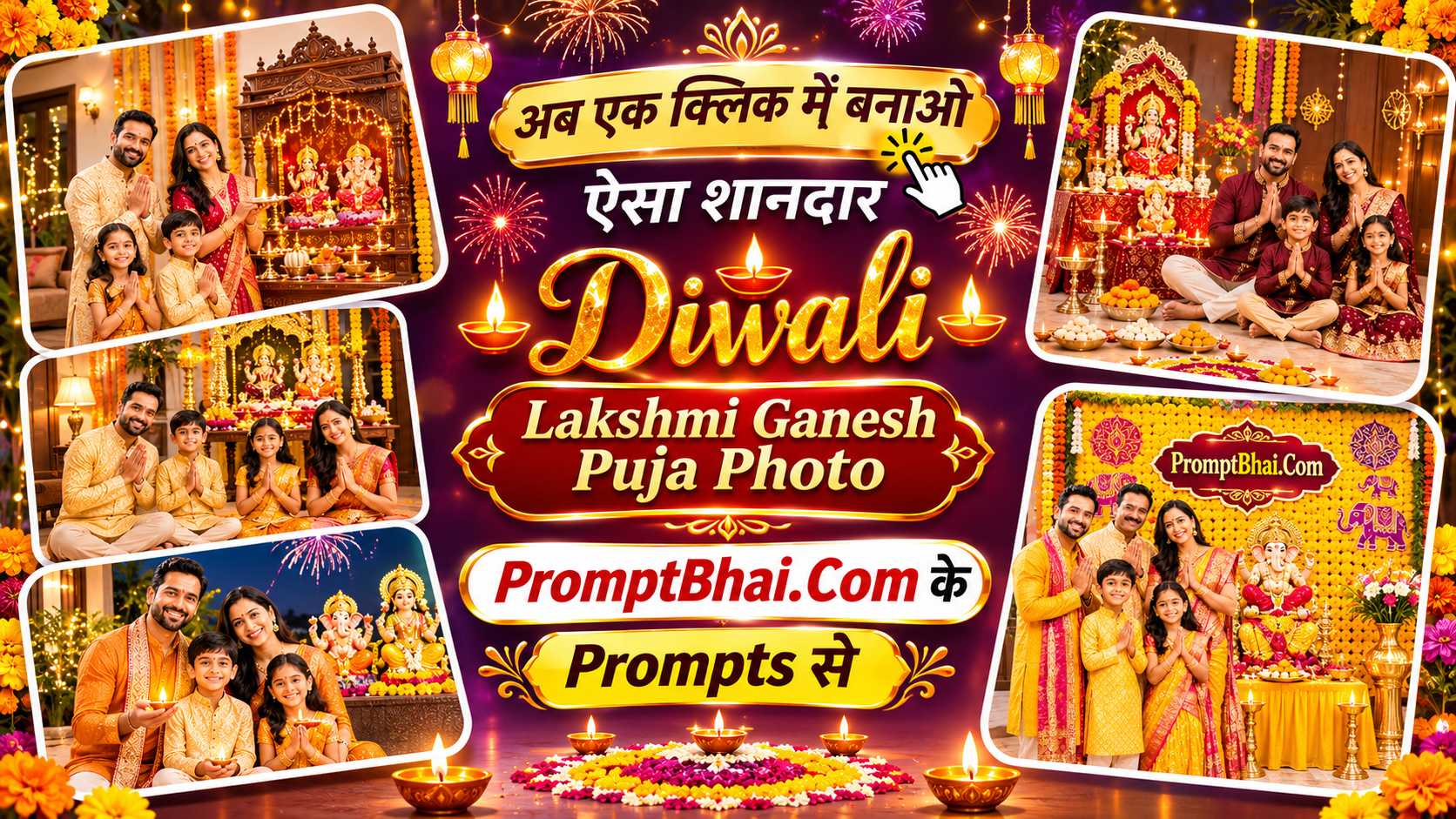
Diwali Lakshmi Ganesh Puja Prompts
Five devotional templates built for a family photo — mandir aarti with a silver thali, a rangoli floor puja, an outdoor Happy Diwali night, a Lakshmi altar laid with mithai and a marigold Ganesha backdrop.
Get Prompts →Collection Overview & Guide
PromptBhai के साथ जुड़ें
रोज़ नए वायरल AI प्रॉम्प्ट, सबसे पहले आपके पास
2. Which Collection Fits Your Photo
The quickest way through this collection is to let your reference photo choose for you. Every prompt here carries a hard rule telling the AI to keep exactly the same number of people as the photo you upload, so a template written for one person will not invent a partner, and a couple template will not drop one of you. Matching the template to the photo is therefore the single biggest thing that decides whether your first attempt comes out right.
Upload a solo photo of a boy or man and open the Diwali prompts for boys. Upload a solo photo of a girl or woman and open the Diwali prompts for girls. Upload a photo with two people in it and the Diwali couple prompts are the ones built for two faces at once. For a child, from a sleeping newborn to a ten-year-old, go to the baby and kids collection, where each outfit line gives a version for a boy and a version for a girl.
The Diwali wishes banner prompts sit slightly apart from the rest. Those are not portraits — they are greeting images with the wishes text rendered inside the picture, built at the aspect ratios WhatsApp status, Instagram story and a square feed post actually use. Reach for those when you want something to forward, not something to post as your own photo.
3. How to Use a Diwali Prompt in Gemini & ChatGPT
Nothing here needs editing software or any design skill. The work is four steps:
- Pick a template. Open the collection that matches your photo and scroll the demo images. Each card shows roughly what that prompt produces.
- Copy the text. Hit the Copy button under the demo image. The whole block goes to your clipboard — take all of it, not the parts that look interesting.
- Upload one clear photo. In Google Gemini or ChatGPT, attach a front-facing, well-lit picture. Avoid heavy filters, sunglasses, and hair or hands across the face. The AI can only preserve what it can see.
- Paste and send. Put the prompt in the same message as the photo and send. A result arrives in a few seconds.
If the first image is off — a hand with an extra finger, a misspelt word on a banner, a slightly wrong outfit — press Regenerate with the identical text rather than rewriting the prompt. These models vary between runs, and the second or third attempt is usually clean.
4. The Three Lines You Must Never Delete
Every prompt in this collection is built around three instruction blocks. They look repetitive, and that is deliberate. Delete any one of them and the output falls apart in a predictable way.
That last one causes the most disappointment when it is removed. Image models are trained to find faces interesting, so left to their own judgement they crop tight. The framing block pushes the camera back several metres and states what has to remain inside the frame, down to the hair above the head and the shoes below. On a page like the couple collection, where the rangoli on the floor is half the picture, that block is doing most of the work.
5. Safe Ways to Customise a Prompt
These templates are starting points, not fixed recipes, and the outfit line is the safe place to experiment. Change a colour, change a fabric, change a garment: a royal blue silk kurta becomes a maroon one, a powder blue lehenga becomes a magenta silk saree. The model adapts the lighting and the reflections in the scene to whatever you ask for, and the rest of the prompt carries on working unchanged.
The background is nearly as flexible. A rooftop can become a courtyard, a marble palace balcony can become a village doorway, and the fireworks can be swapped for floating sky lanterns. Writing in a name also works well — the banner prompts carry a [YOUR NAME] placeholder for exactly that.
What not to touch: the three rules above, and the photorealism keywords at the end of each prompt. Phrases like real DSLR photo, 35mm lens, natural skin texture, real fabric detail and no AI look are what separate a picture people believe from one that reads as obviously generated. They look like decoration. They are not.